Form Guide · DF.014 · The Evidence Record
How to check the evidence behind a claim
Link each claim in a recommendation to the source passage that supports, limits or contradicts it.
Watch the guide
When people start
- You have been asked to look into something and recommend what to do.
- A report quotes a figure and you need to know where it came from before you repeat it.
- An AI tool has given you an answer with a list of references.
- Someone else will check your work after you hand it over.
Your first 15 minutes
One question, one source
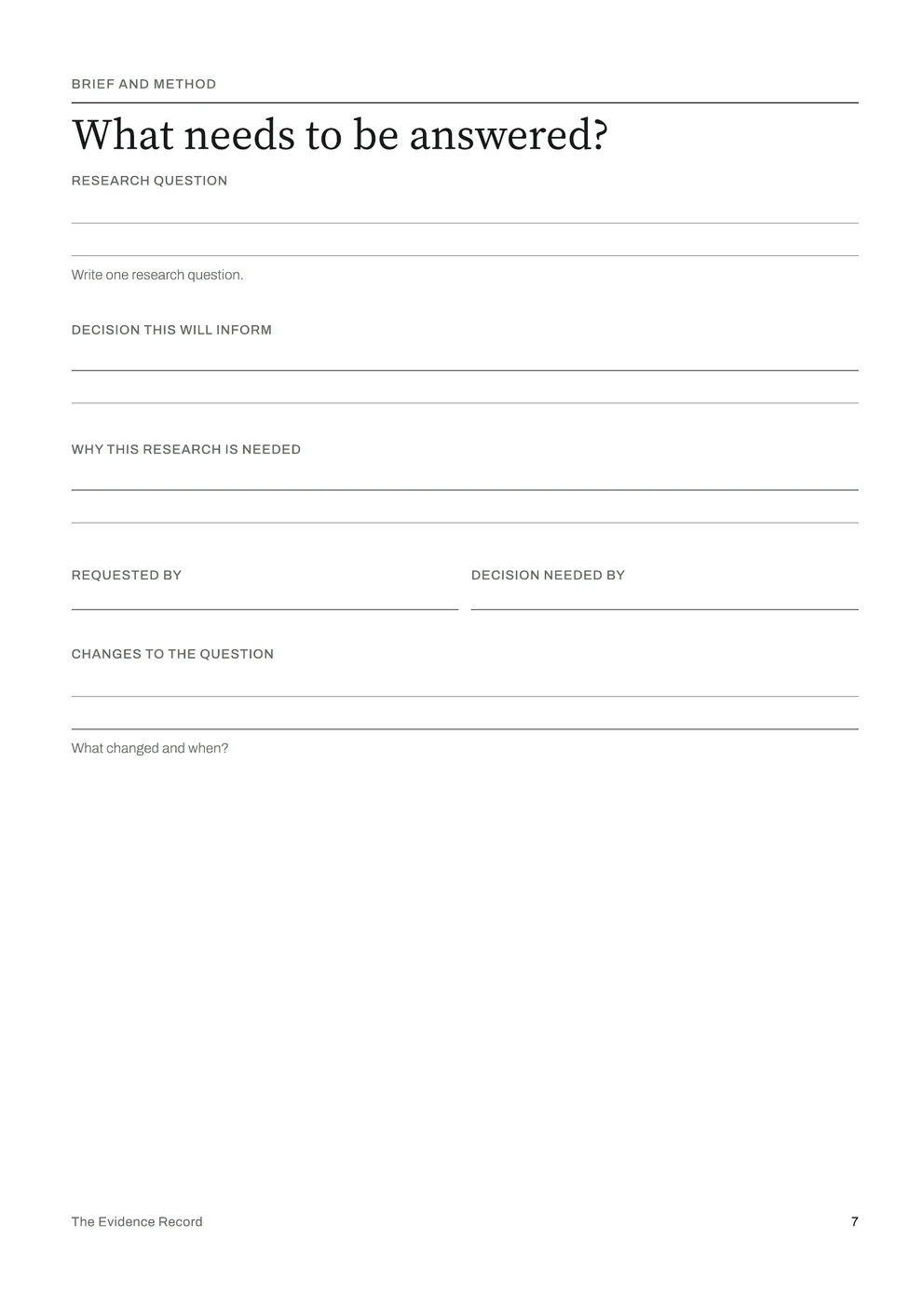
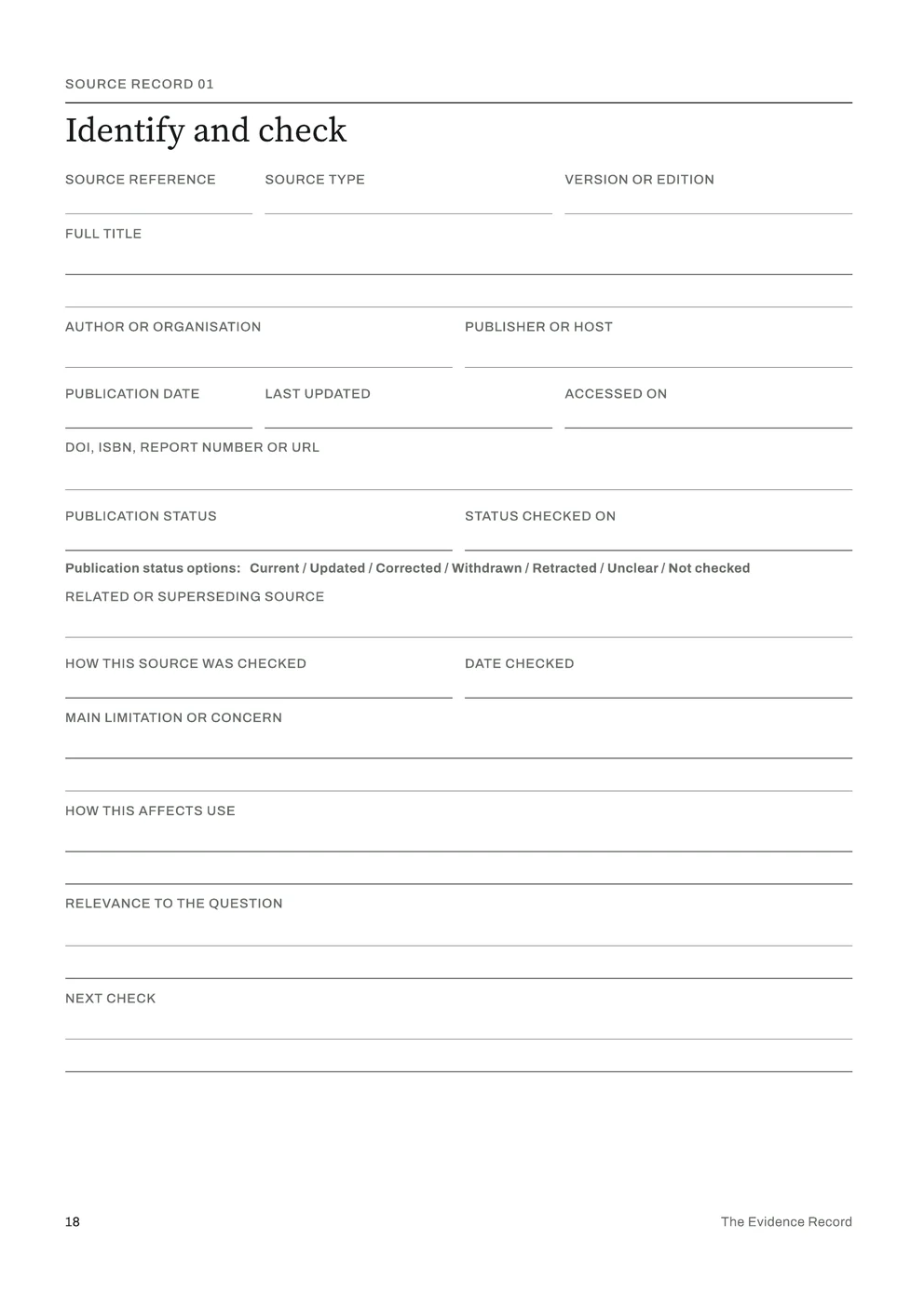
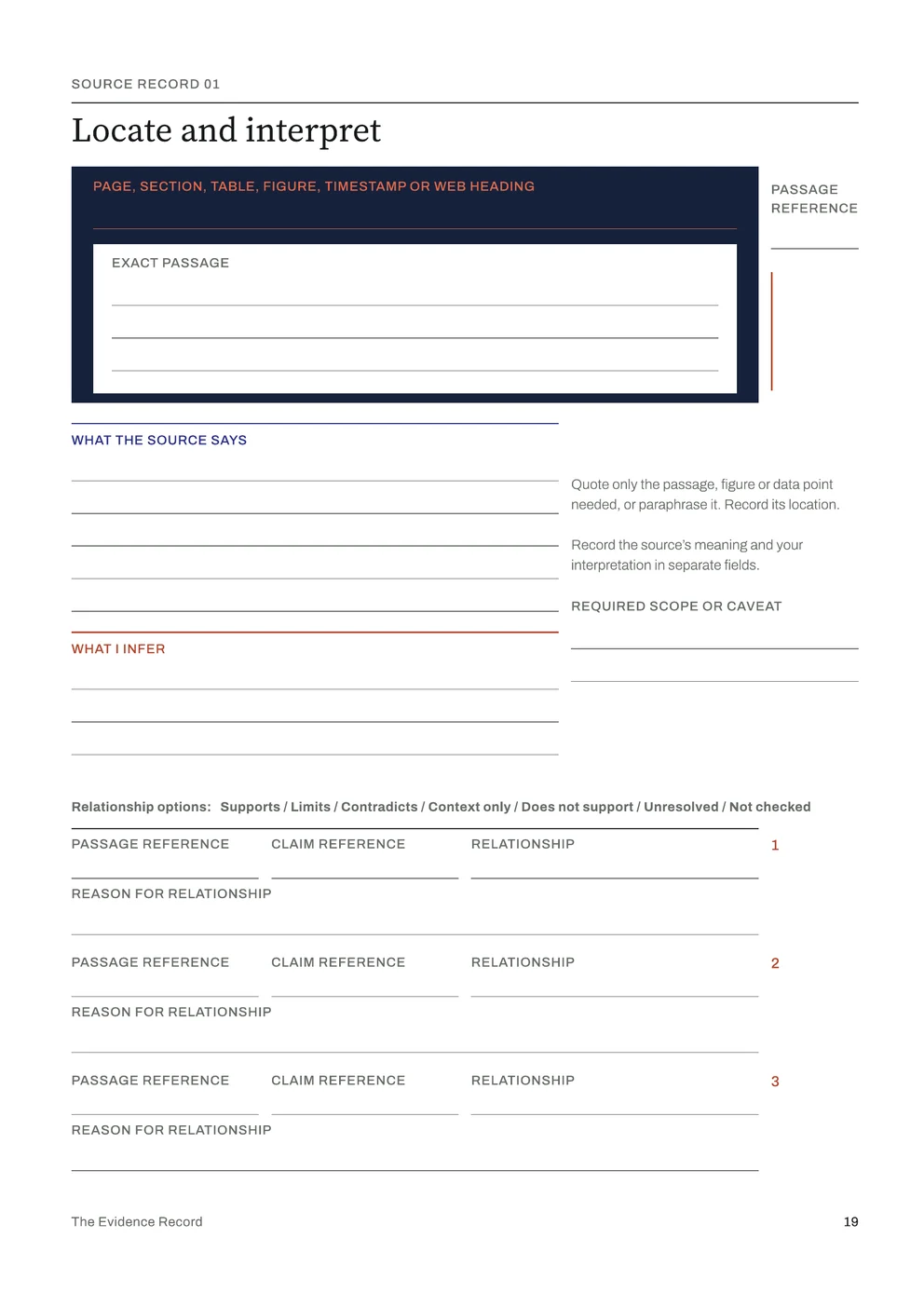
Use a sheet of paper or a note on your device. In The Evidence Record, use What needs to be answered on page 7 and Source Record 01 on pages 18 and 19.
- Write your research question in one sentence.
- Write the decision it will inform, who asked for it and the date the decision is needed by.
- Open one source you already rely on for this question. Record its full title, author or organisation, publication date if available, and the date you accessed it. Add its URL, DOI, ISBN or other identifier, as applicable.
- Copy the exact passage, figure or data point you rely on, with its page, section, table, figure or web heading.
- Write what the source says, then, separately, what you infer from it.
- Write the claim you want to make and choose how the passage relates to it, such as Supports, Limits or Contradicts.
If the passage limits your claim, change the claim’s wording to match what the source supports.
Common questions
- What if there’s no time for a full research log?
- The Evidence Record starts with four steps on page 5: define the question, record the passage, test the claim and write the recommendation. The 15-minute task in this guide takes the first three for one source.
- The AI tool gave me sources. Isn’t that enough?
- Open each source and check the passage yourself. Record whether it exists, says what the AI tool claimed and supports the wording you intend to use. In the edition, log each use of AI on page 29 and the checks on page 30. An AI-generated reference is not evidence until the source and passage have been checked.
- Won’t I remember where I read it?
- Pew Research Center found that 38% of the webpages it sampled from 2013 were no longer accessible in October 2023. Record enough detail to identify the source even if its link later stops working. Each Source Record asks for the title, author or organisation, publication date, access date and available identifiers. A full reference identifies the source; it does not preserve the page.
What the full edition adds
The Evidence Record
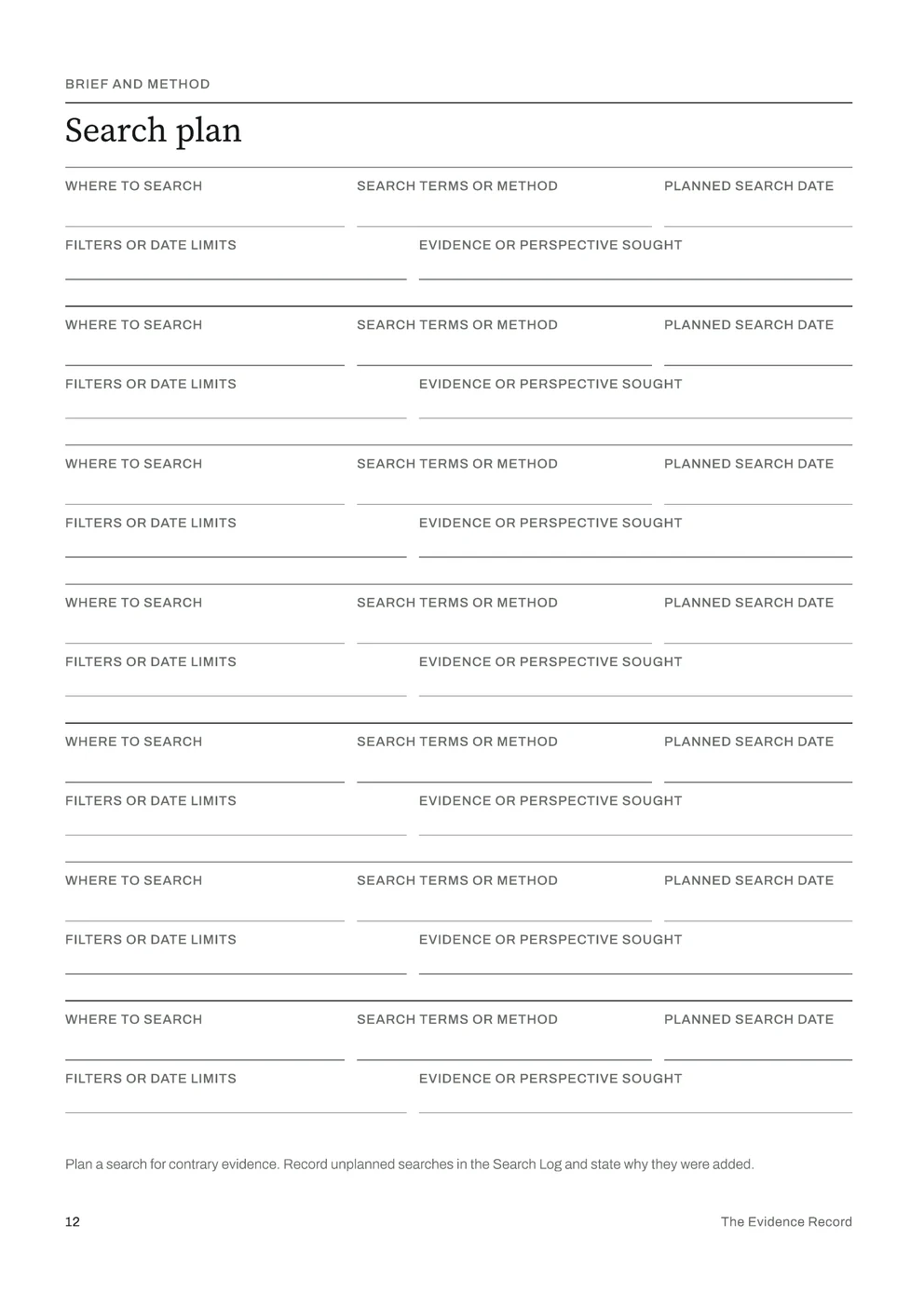
- A planned search
- Scope and evidence cut-off, a search plan, a search log and candidate sources, so you can show what you looked for as well as what you found.
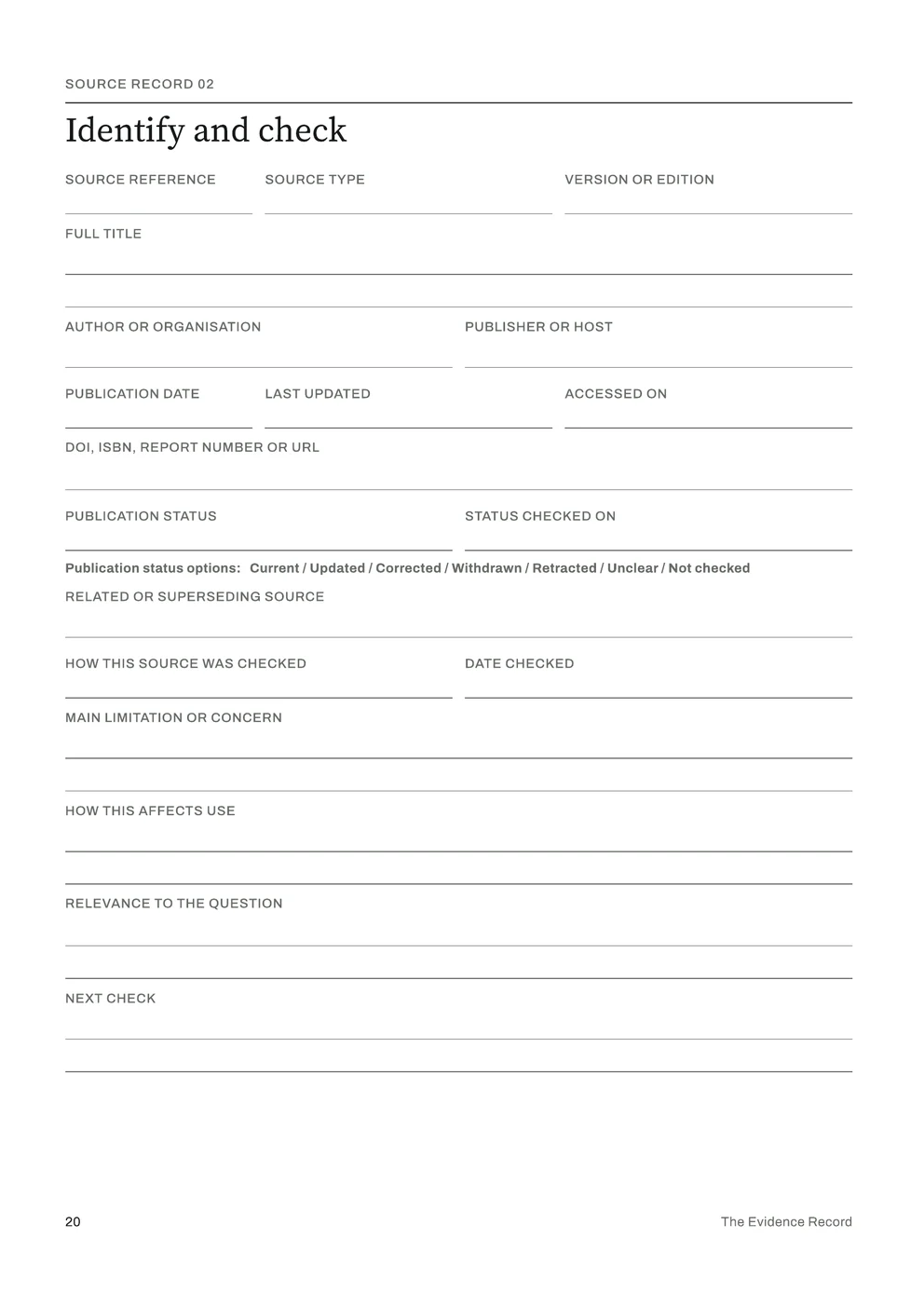
- Five Source Records
- Each source gets two pages: Identify and check, with a publication status such as Current, Updated, Corrected, Withdrawn or Retracted, then Locate and interpret, for the exact passage and what you infer from it.
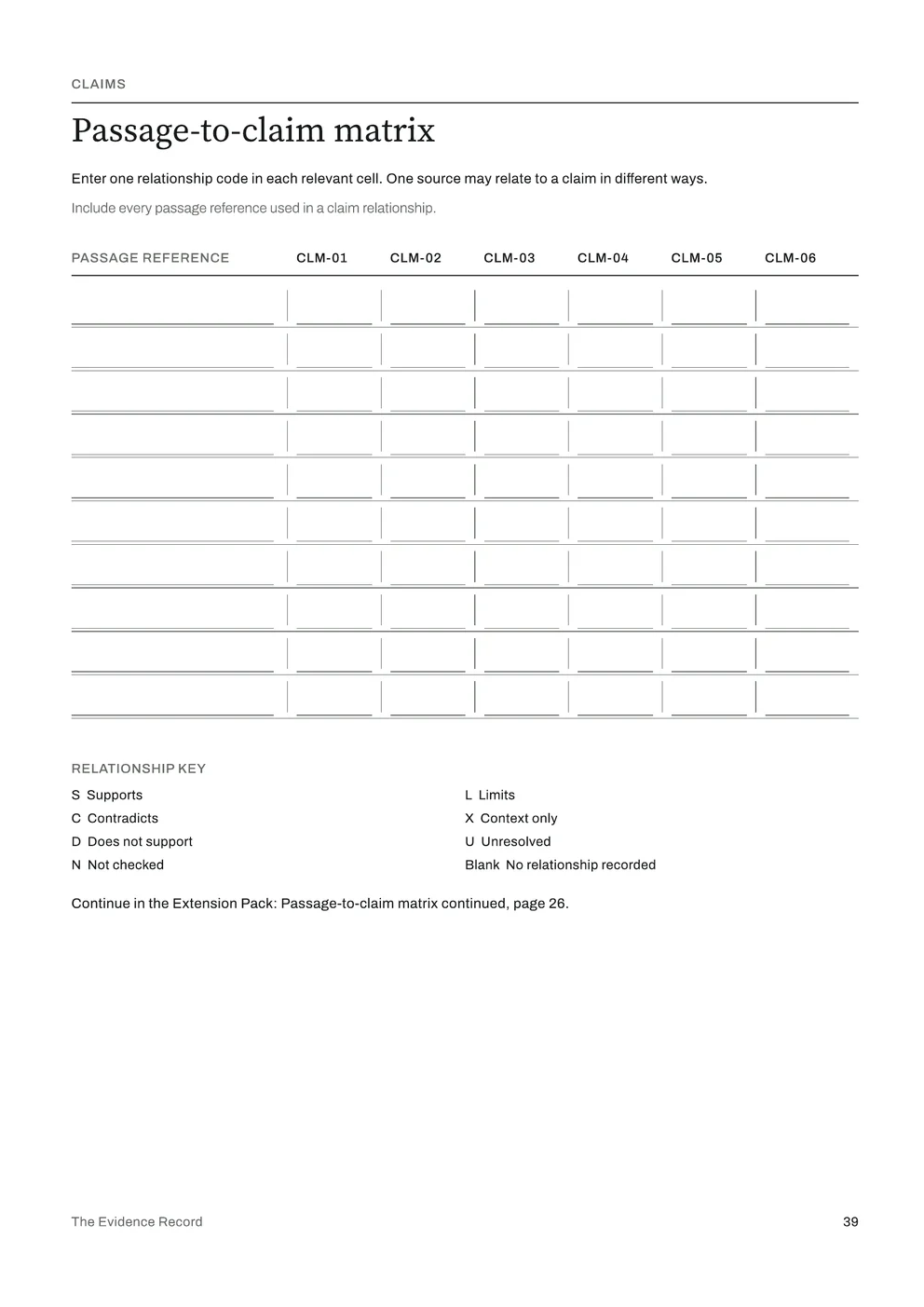
- Three Claim Records and a matrix
- Test each claim’s wording, scope and conditions, then weigh it passage by passage. The Passage-to-claim matrix shows how each passage relates to each claim on one page.
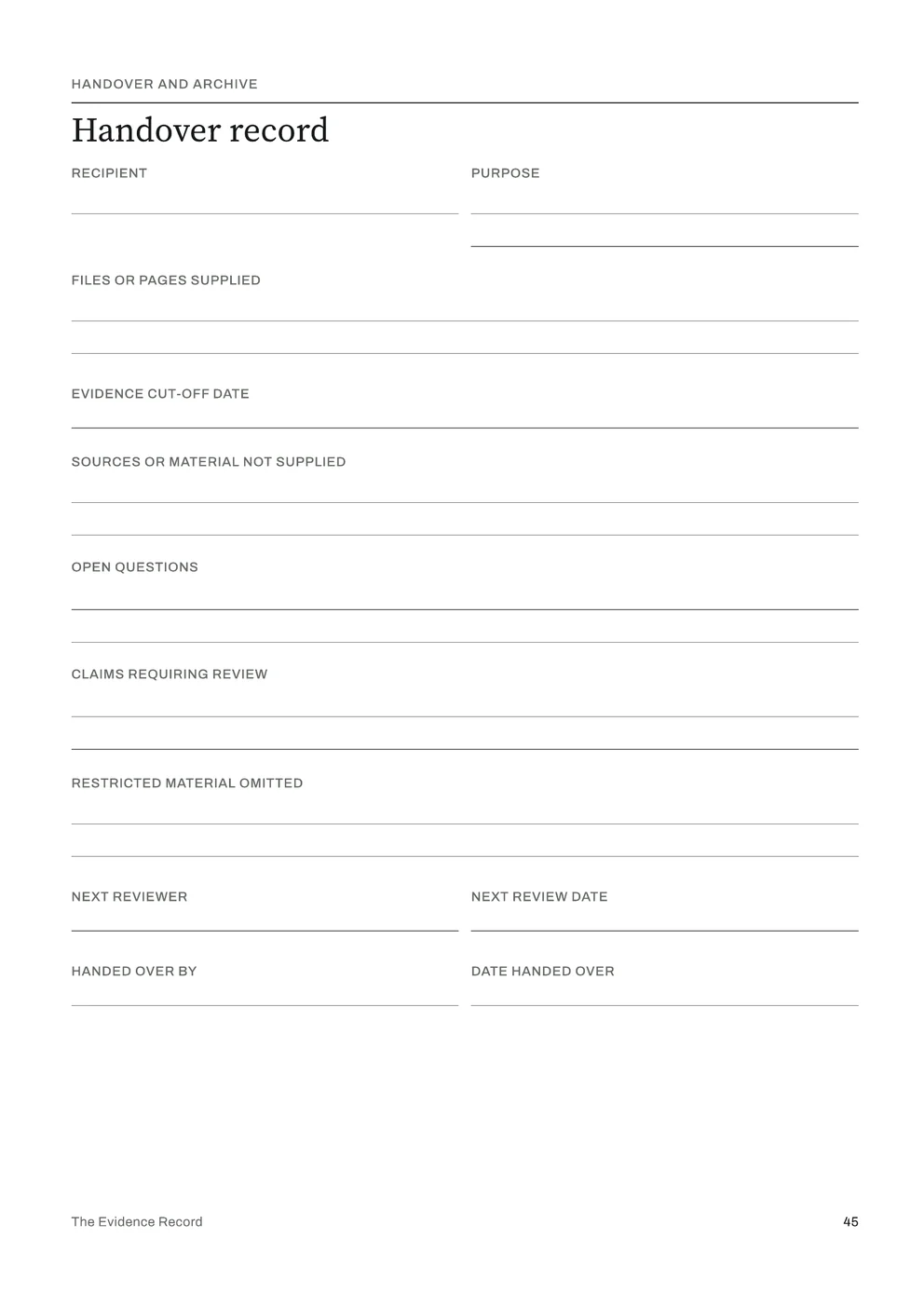
- Recommendation and handover
- Initial and final recommendations, challenges and limitations, a final source and version check, and a handover record for the person who receives the work.
The edition comes in A4 and US Letter as Print, Low-Ink and Fillable PDFs, and as a Tablet PDF, with an Extension Pack and a completed example.
Sources
Pew Research Center, “When Online Content Disappears”, 17 May 2024: https://www.pewresearch.org/data-labs/2024/05/17/when-online-content-disappears/