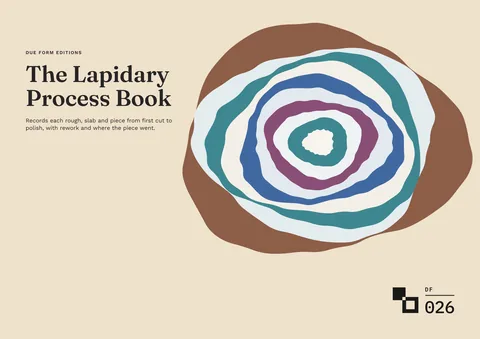
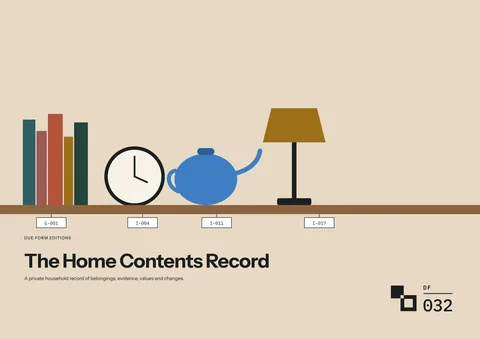
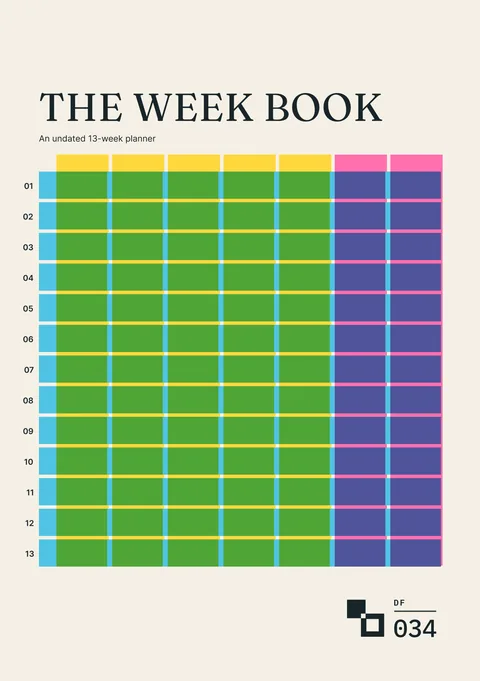
Interactive Editions
Fill in your edition in the browser
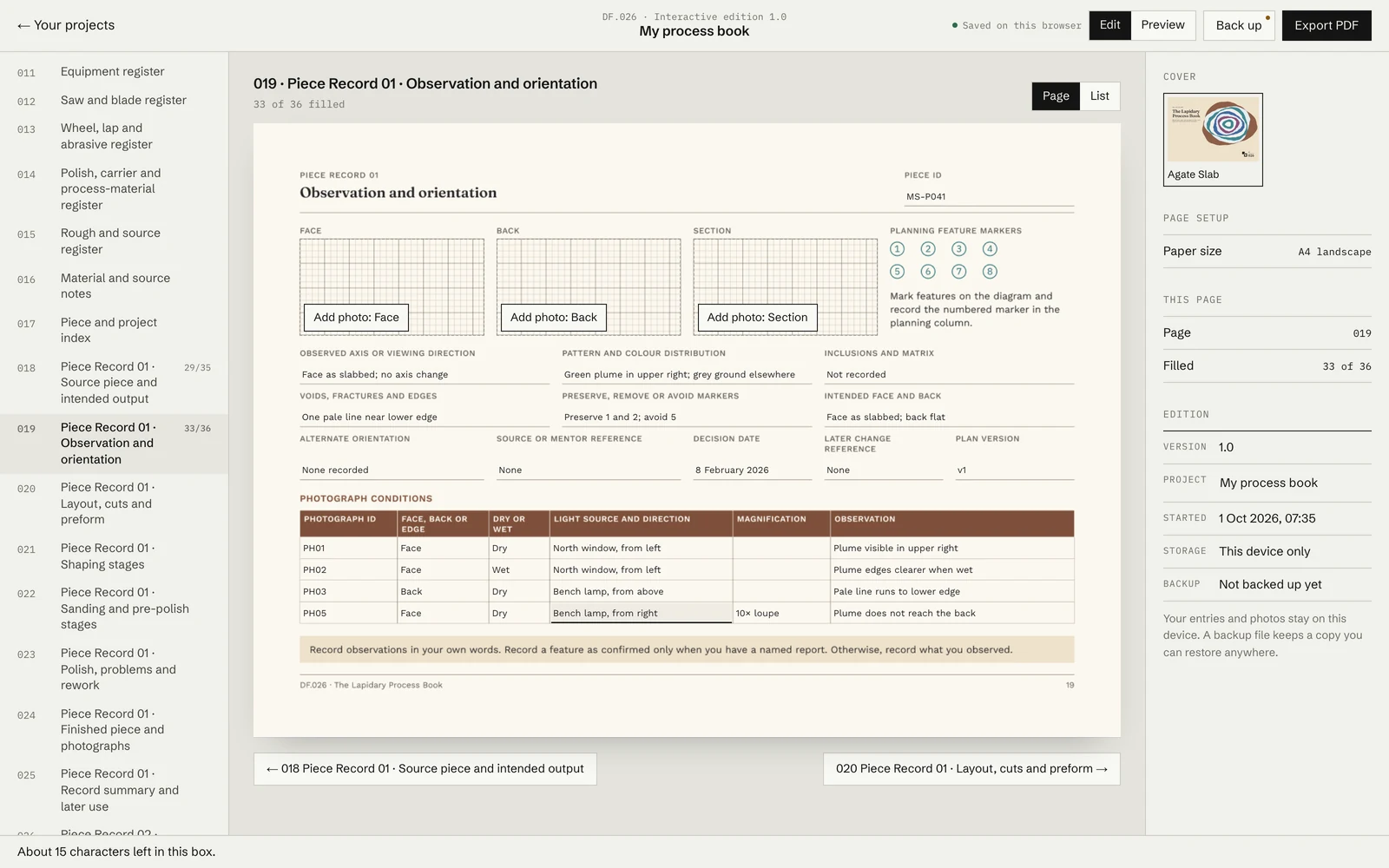
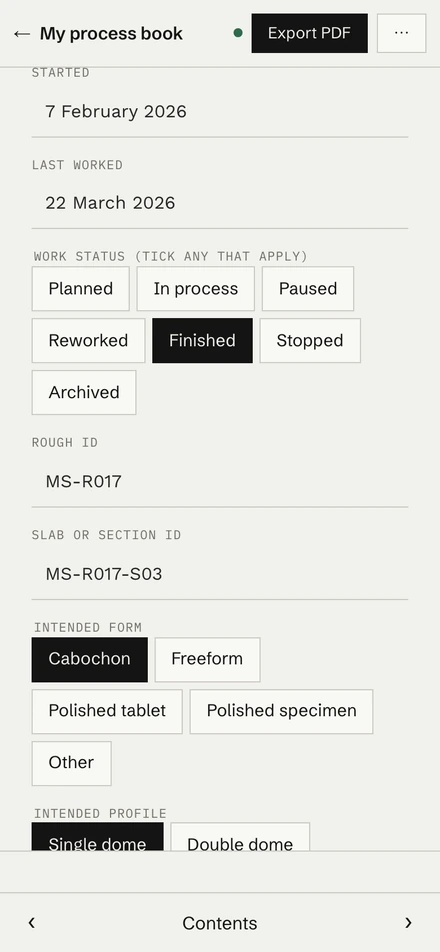
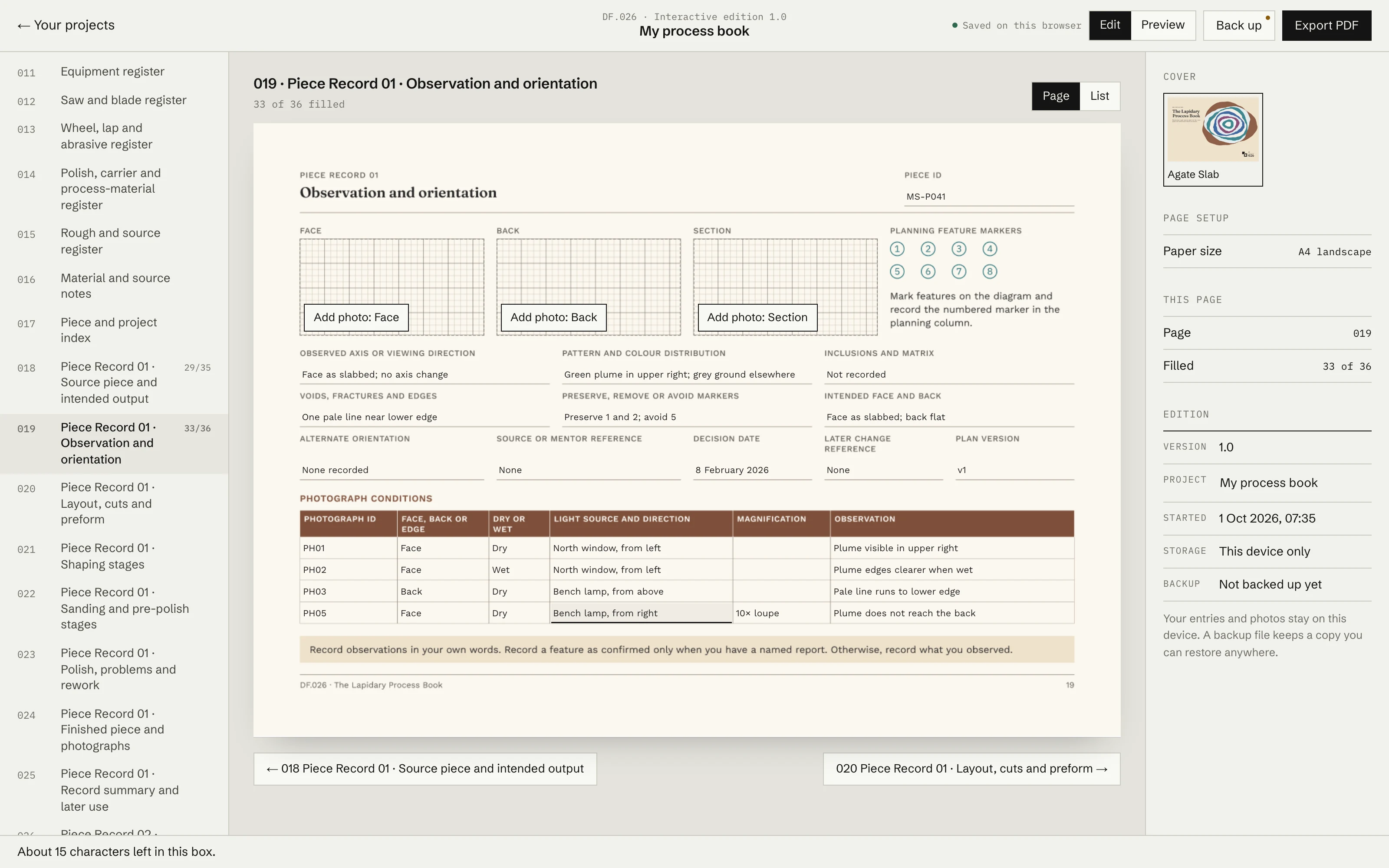
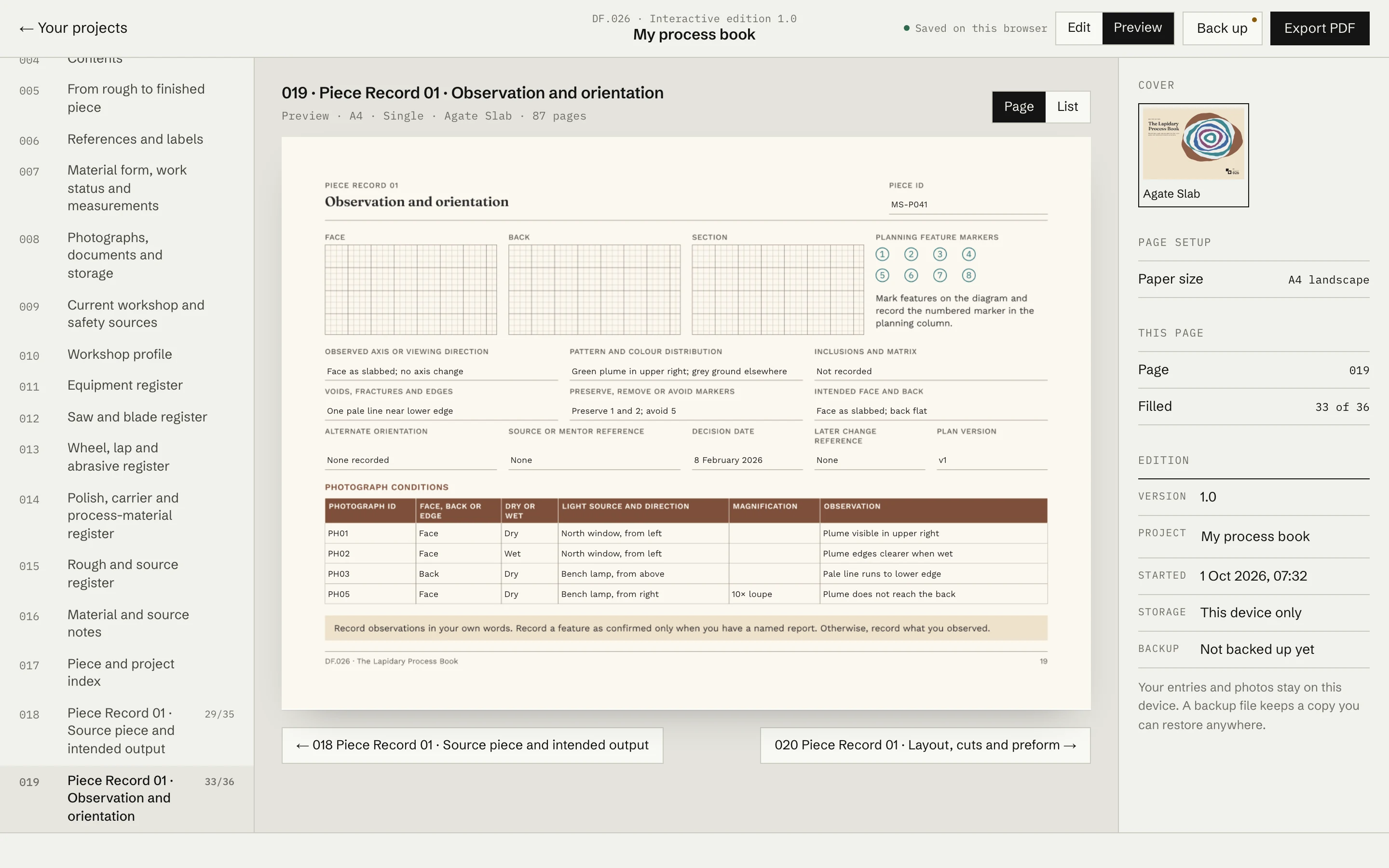
Interactive Editions let you type into Due Form record pages in your browser, save entries on your device and export a reading or fillable PDF.
- 10
- Titles with an Interactive Edition
- 2
- Reading PDF and fillable PDF where supported by the title
- Saved
- Stored on the device after the edition shows Saved
What you can do
Reopen a saved project on the same browser and device, or open a saved backup on another supported browser or device.
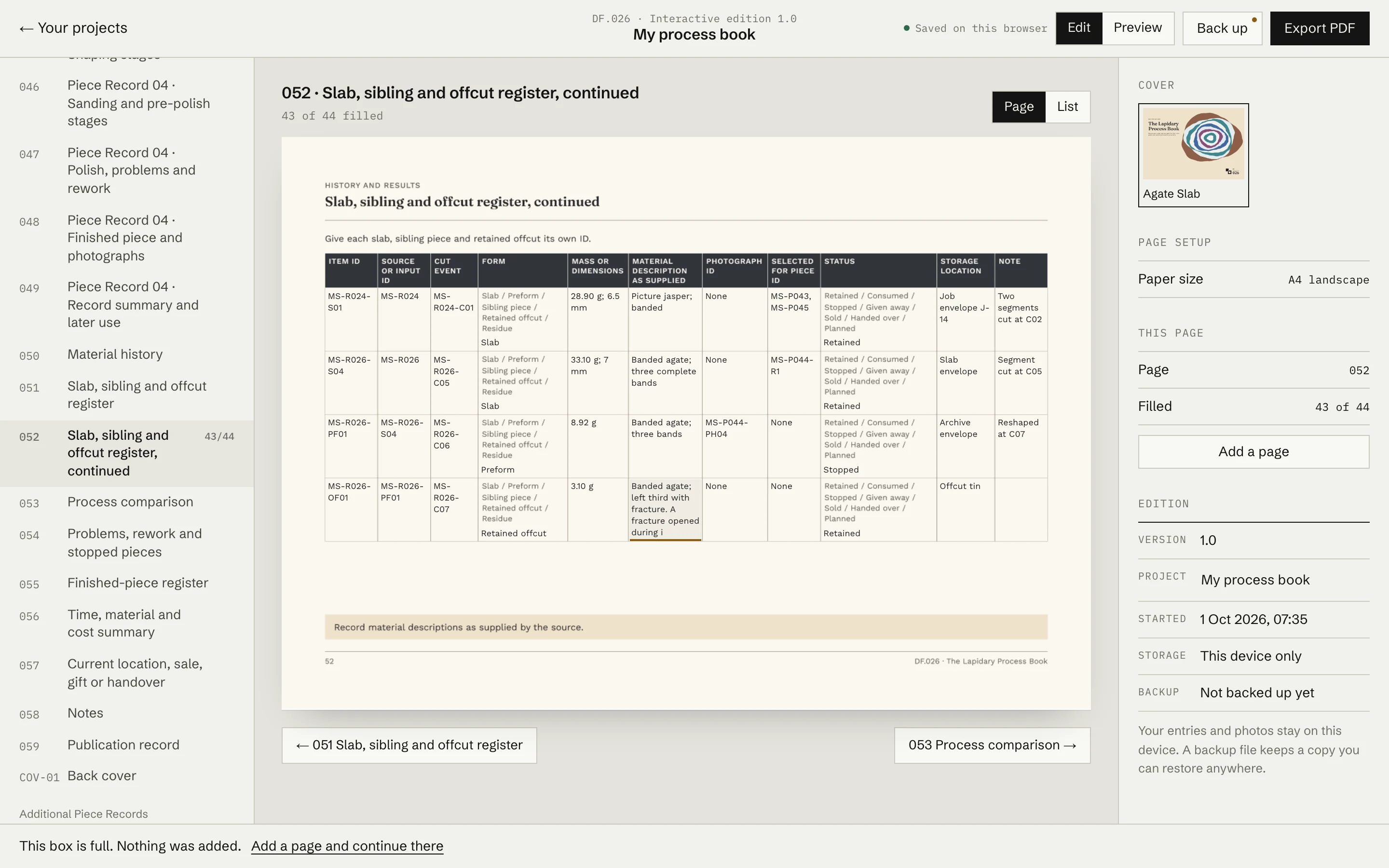
Use continuation pages when a register or record needs more room. Available continuation pages depend on the title.
Add images to picture areas on titles that include them.
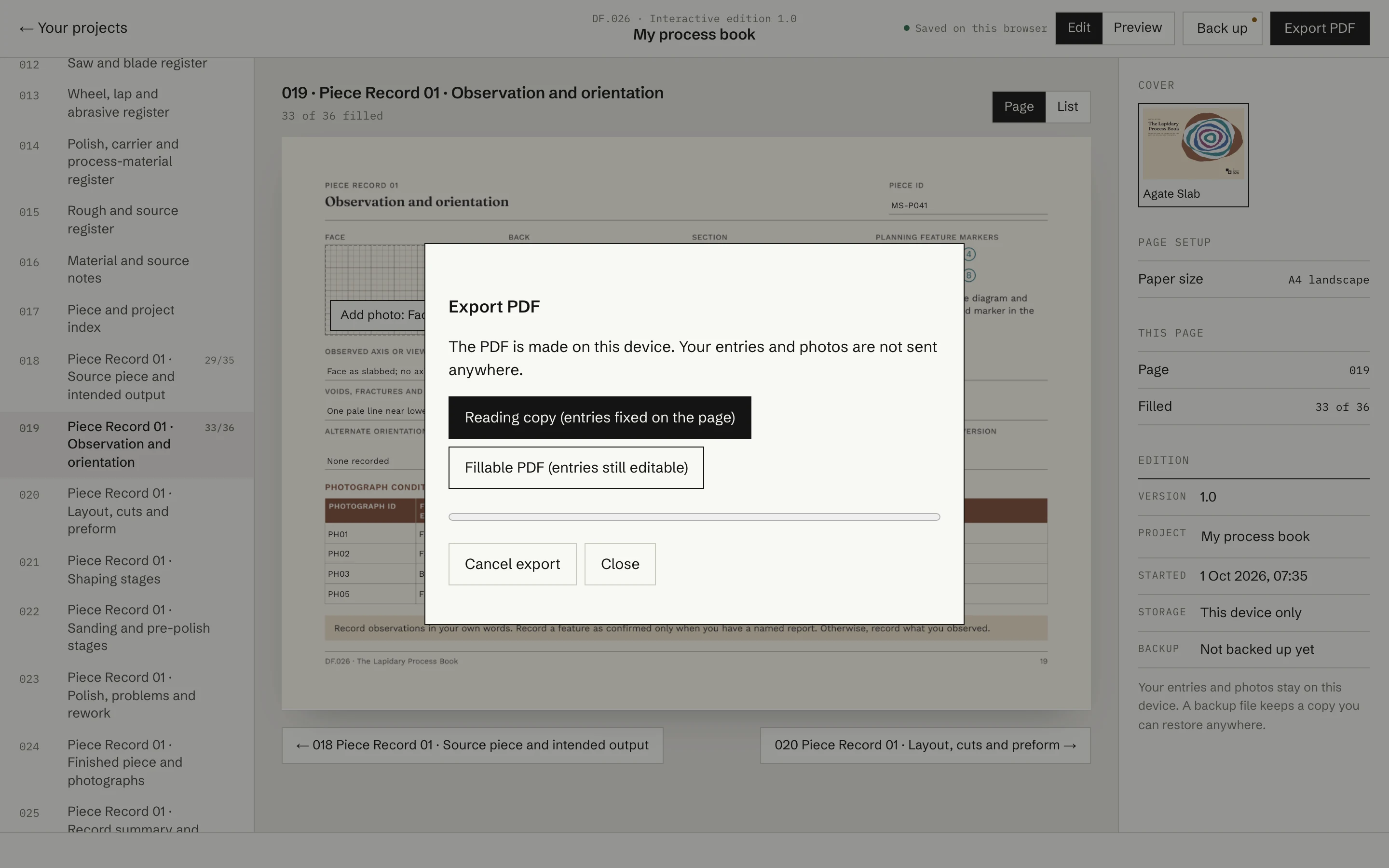
Export the available reading or fillable PDF from the Interactive Edition.
Save a backup file and open that backup on another supported browser or device.
How to start
- 1ChooseChoose a title with an Interactive Edition.
- 2SelectSelect its Interactive or Complete Edition.
- 3OpenOpen the Interactive Edition from your library.
- 4StartStart a new record or reopen a saved project.
Where your entries are saved
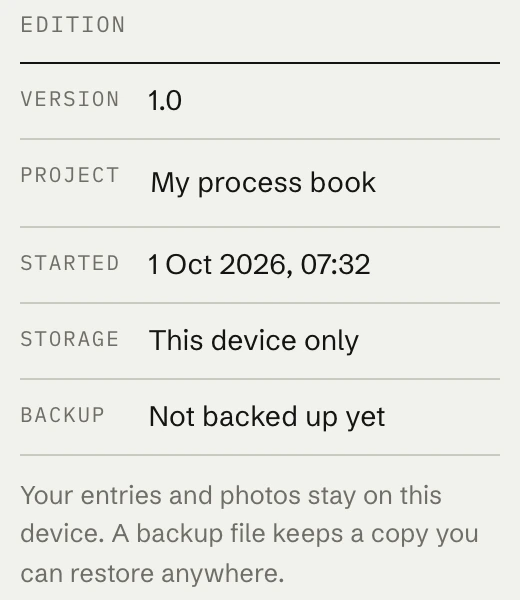
Your entries are stored in the browser on the device you use. Use the backup and export options provided in the Interactive Edition when you want a separate copy.