Form Guide · DF.021 · Solo Founder Continuity File
Who covers your business while you’re away?
Record which client work and business activities continue or pause, who may act and the limits on their decisions during a temporary absence.
The file records authority that already exists, including its source and limits. Completing it does not give someone permission to act.
Watch the guide
When people start
- Parental leave starts in two months.
- You have treatment booked that will take you out of work for a fortnight.
- You are travelling somewhere with poor signal for three weeks.
- Only you can log in to the bank, the website or the invoicing system.
Your first 15 minutes
One critical activity
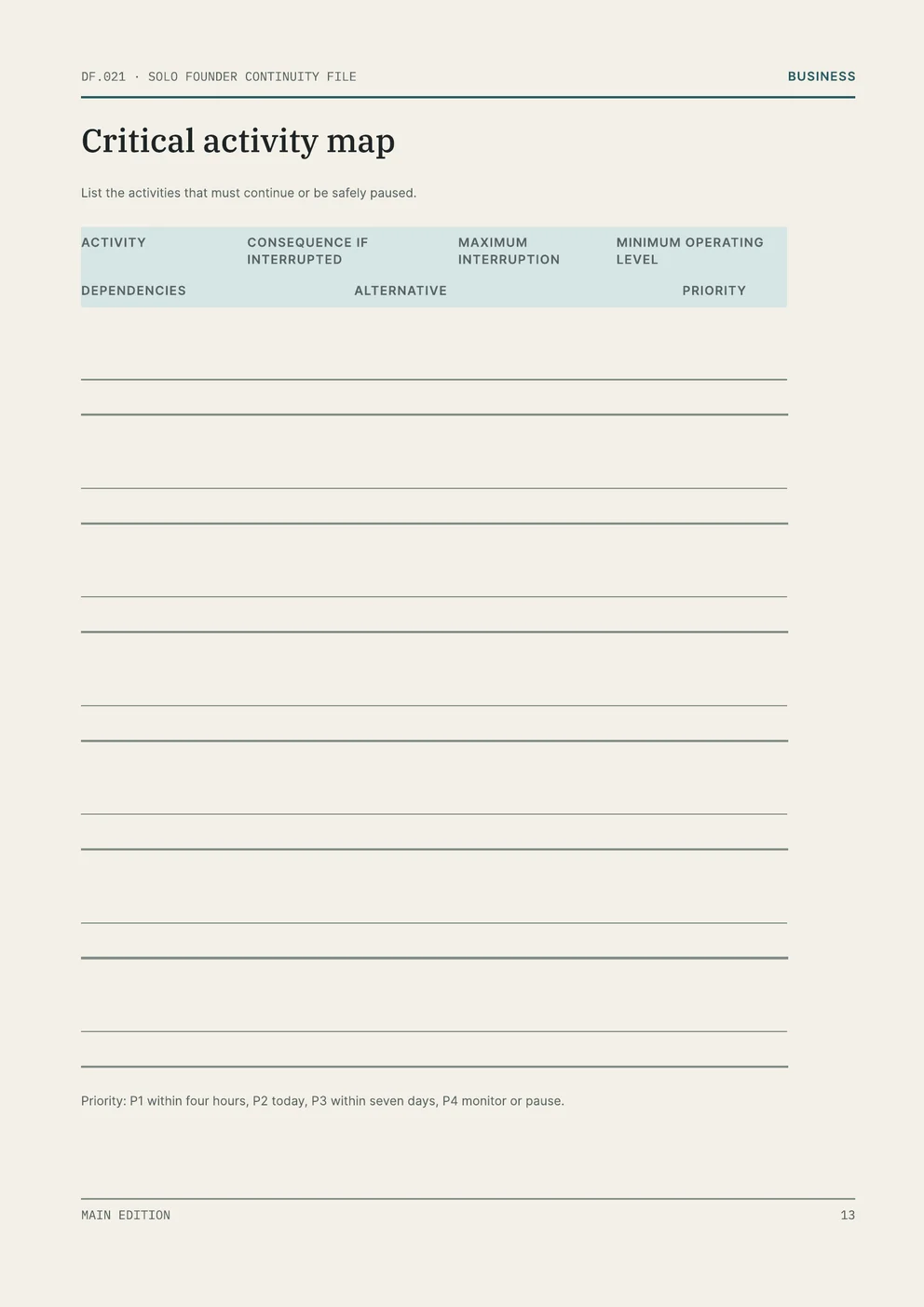
Use a sheet of paper or a note on your device. In the Solo Founder Continuity File, use Critical activity map on page 13.
- Choose one activity that must continue or be safely paused while you are away, such as replying to client enquiries or sending invoices.
- Write the consequence if it is interrupted, and the maximum interruption: how long it can stop before that happens.
- Write the minimum operating level: the least that has to happen to keep it going.
- List its dependencies: the systems, accounts and people it needs.
- Name the person who has agreed to cover it, or record the action needed to arrange cover. If the activity can pause, write how it will be paused.
- Assign a priority based on how soon action is needed. In the edition, use the priority bands on the Critical activity map.
You now have a first record of the activity’s interruption limit, minimum operating level and proposed cover or pause arrangement. Check any unconfirmed arrangements with the people involved. Repeat the task for each activity that needs attention during the absence.
Common questions
- Couldn’t I manage from my phone?
- The file covers the hours and days when you cannot manage the business yourself. Its action log is split into the first four hours, the rest of the first day, days two to seven, and days eight to thirty, and the person covering records each decision, payment and external message as they go. Each action is marked May act, Confirm before action or Do not act.
- Isn’t writing down access a security risk?
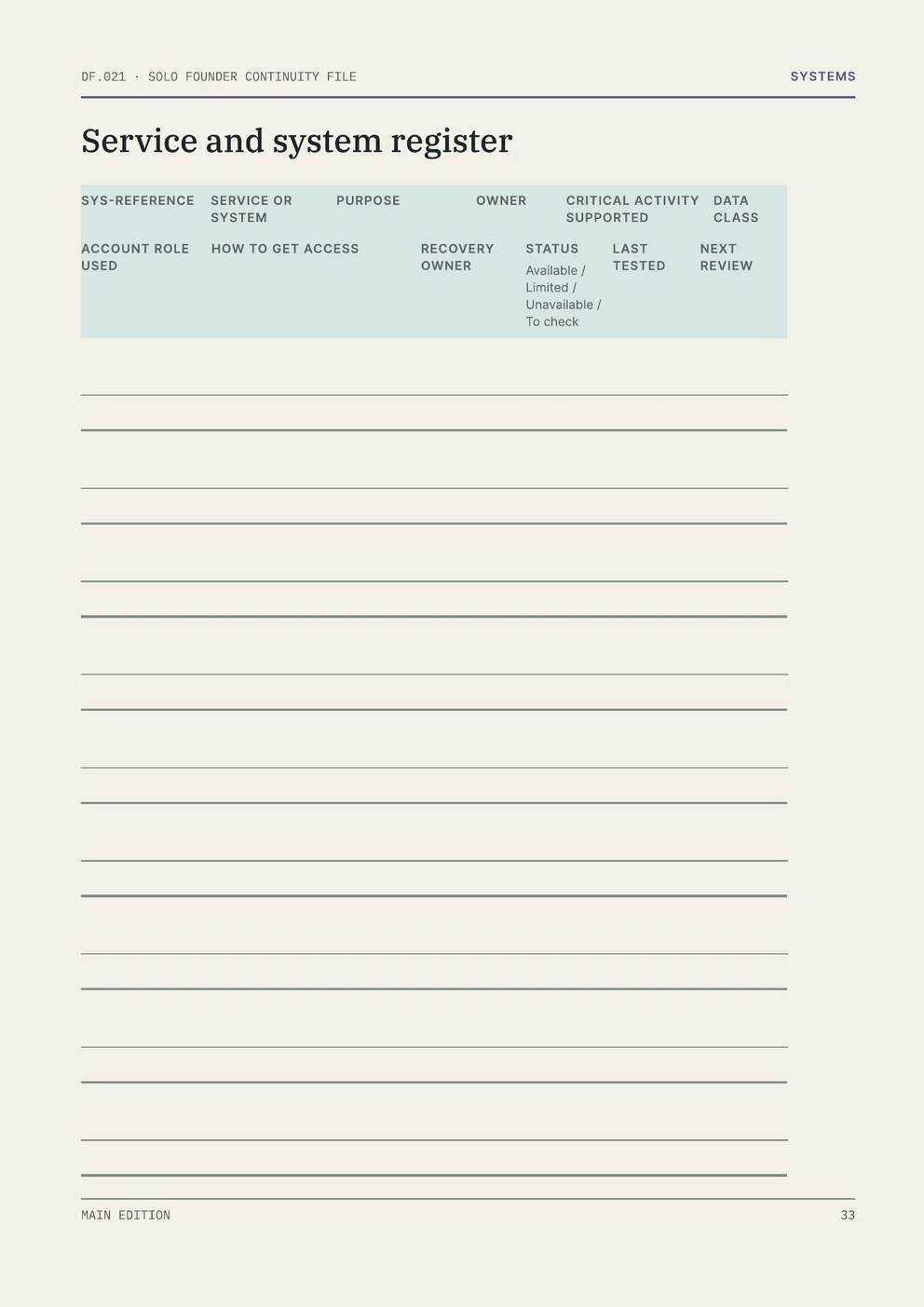
- For each account, record the provider, the account role, who may use it, how they get access and who is responsible for account recovery. The Use page sets six rules for the person covering, including acting only within recorded authority and removing temporary access when you return.
- Do I have to plan for being ill?
- The file is for temporary cover, for leave, treatment or travel alike. It records the operating impact, the expected duration and the agreed contact method. Its operating states are Ready, Temporary cover, Extended absence, Professional control, Return review and Closed.
What the full edition adds
Solo Founder Continuity File
- Authority with limits
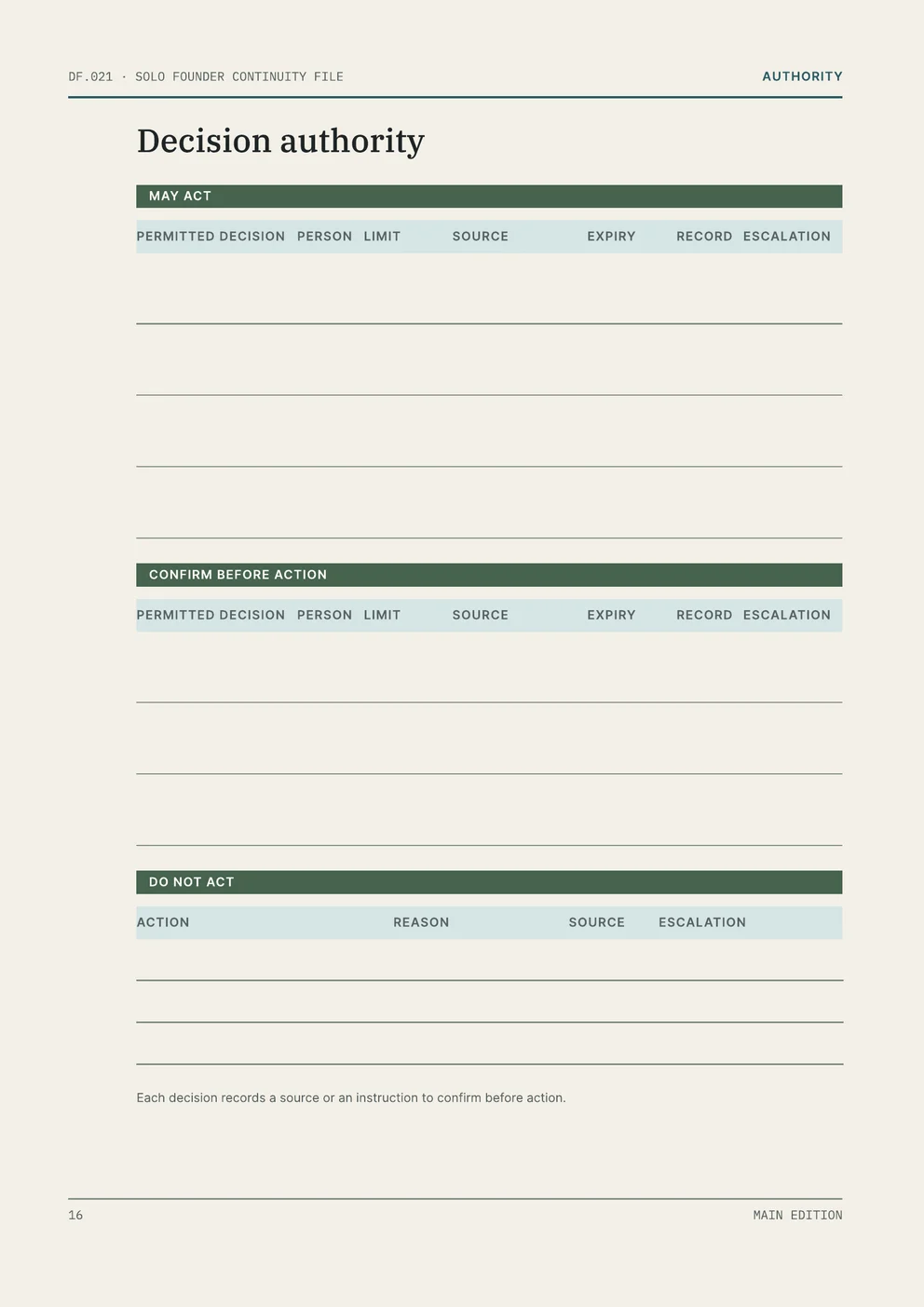
- Continuity roles, then a Decision authority page that sets out what each person may act on, what they must confirm first and what they must not do, with limits, sources and expiry dates.
- Clients and money
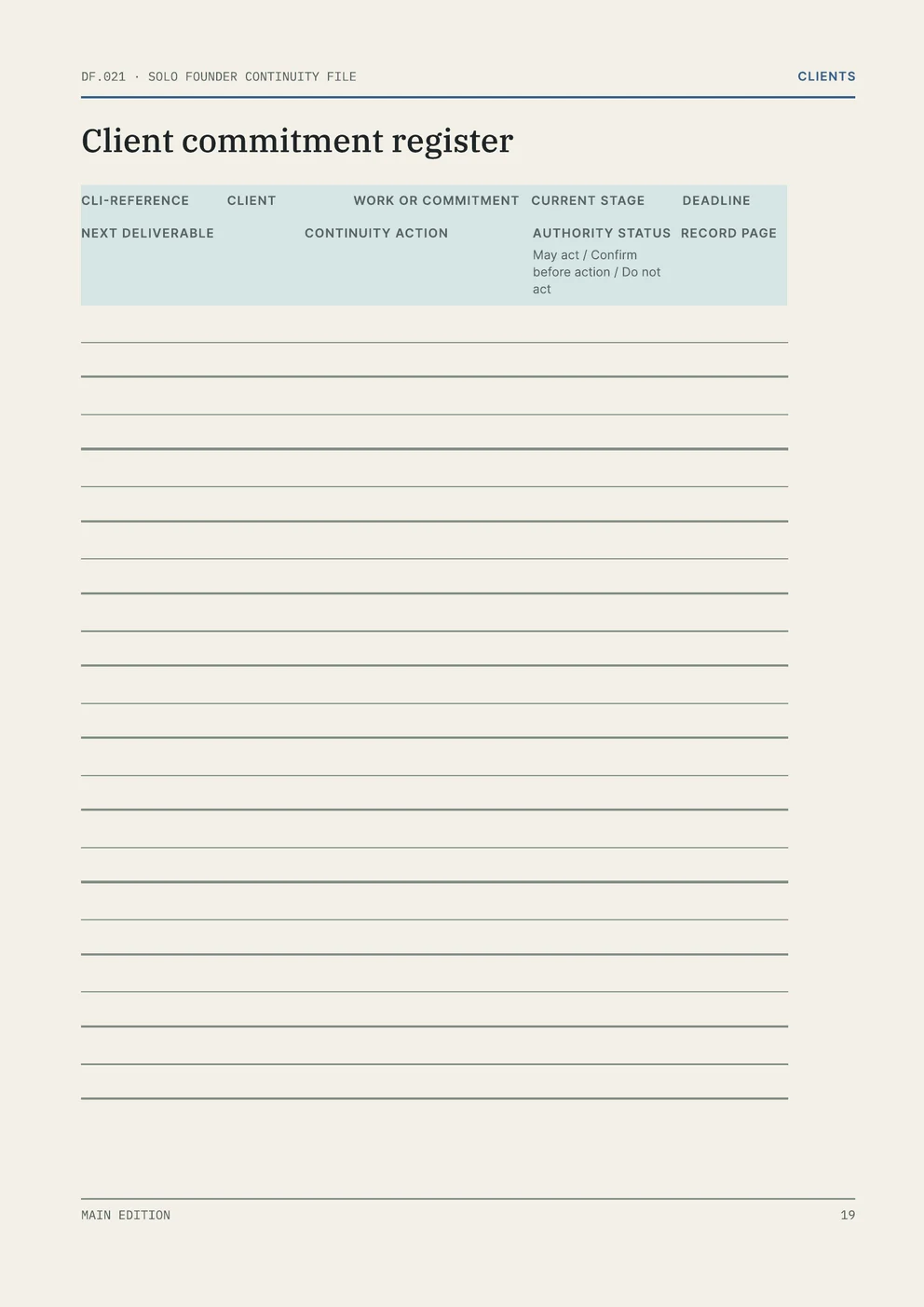
- A client commitment register with records for current work, milestones, a communication sequence and a message bank, plus incoming and outgoing money, banking authority, and obligations and filings.
- Systems and access
- Registers for services, accounts and access, domain, website and email, data and backups, devices, suppliers and automations, each automation with a safe-pause step.
- Activation and return
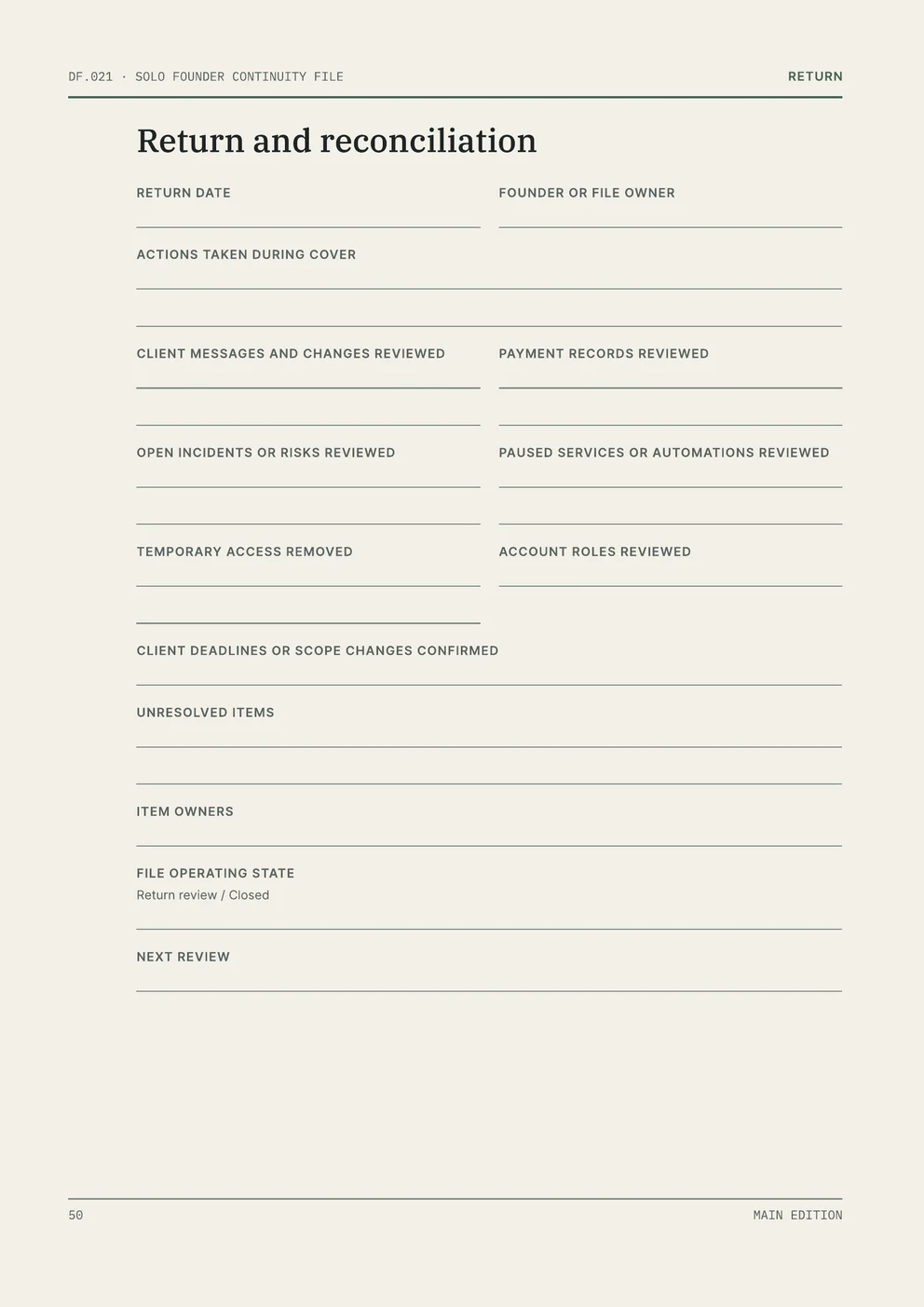
- An Activate this file page, a Current situation page, the time-band action log and a Return and reconciliation page for reviewing the actions taken, client messages and payments, and removing temporary access.
What to leave out
Leave passwords, PINs, passkeys, tokens, recovery codes, security answers, private keys, other secret values and any medical detail out of the file.