
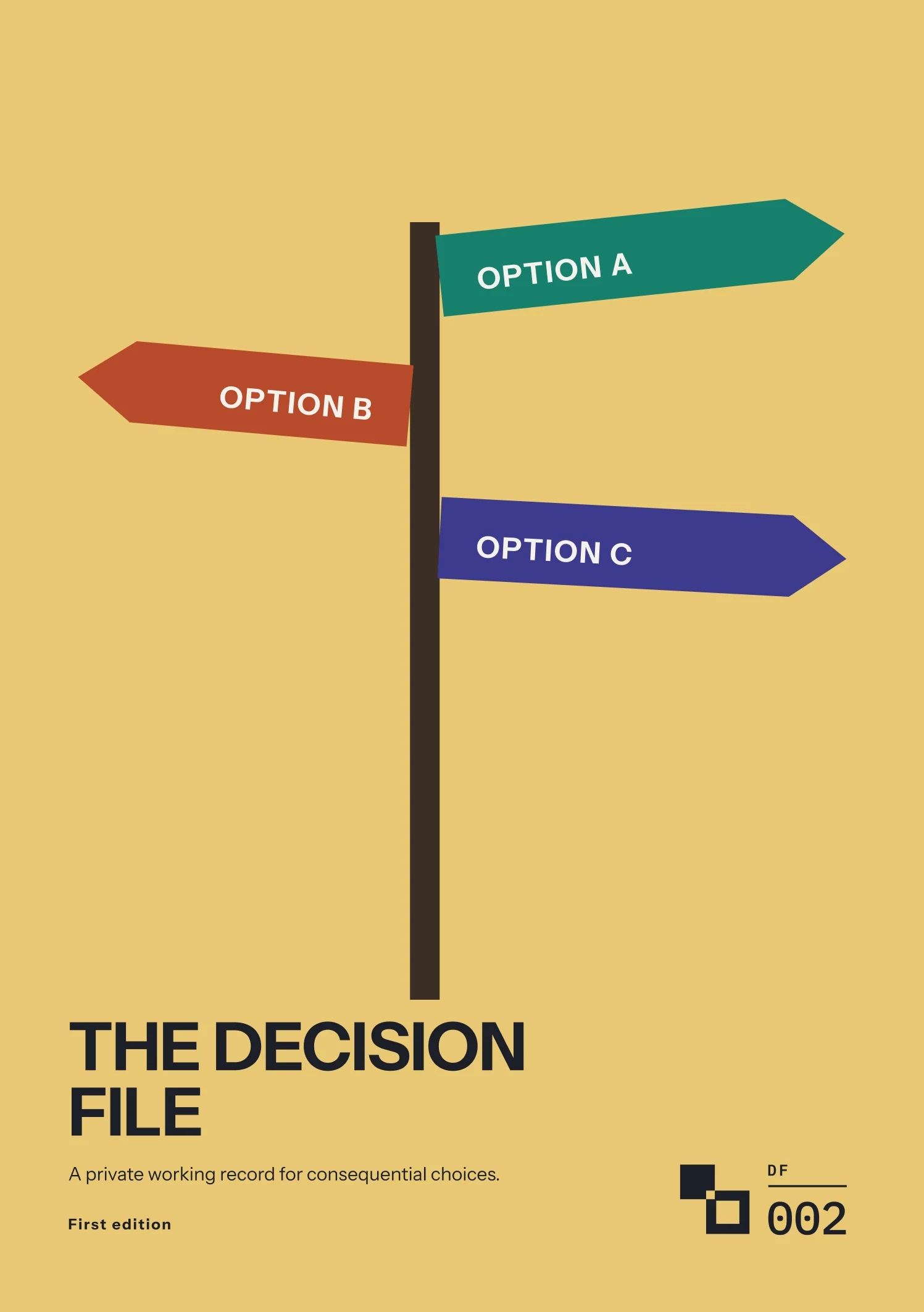
Form Guide · DF.002 · The Decision File
How to write down a big decision
Record the options, facts, assumptions and reasons for your choice. Set a review date, then compare the outcome with what you expected.
Watch the guide
When people start
- A job offer would mean moving to another city.
- A choice will change things for a partner, a child or a parent.
- A decision is stuck waiting on one piece of information.
- You are about to spend money on something you cannot easily undo.
Your first 15 minutes
One Quick Decision Record
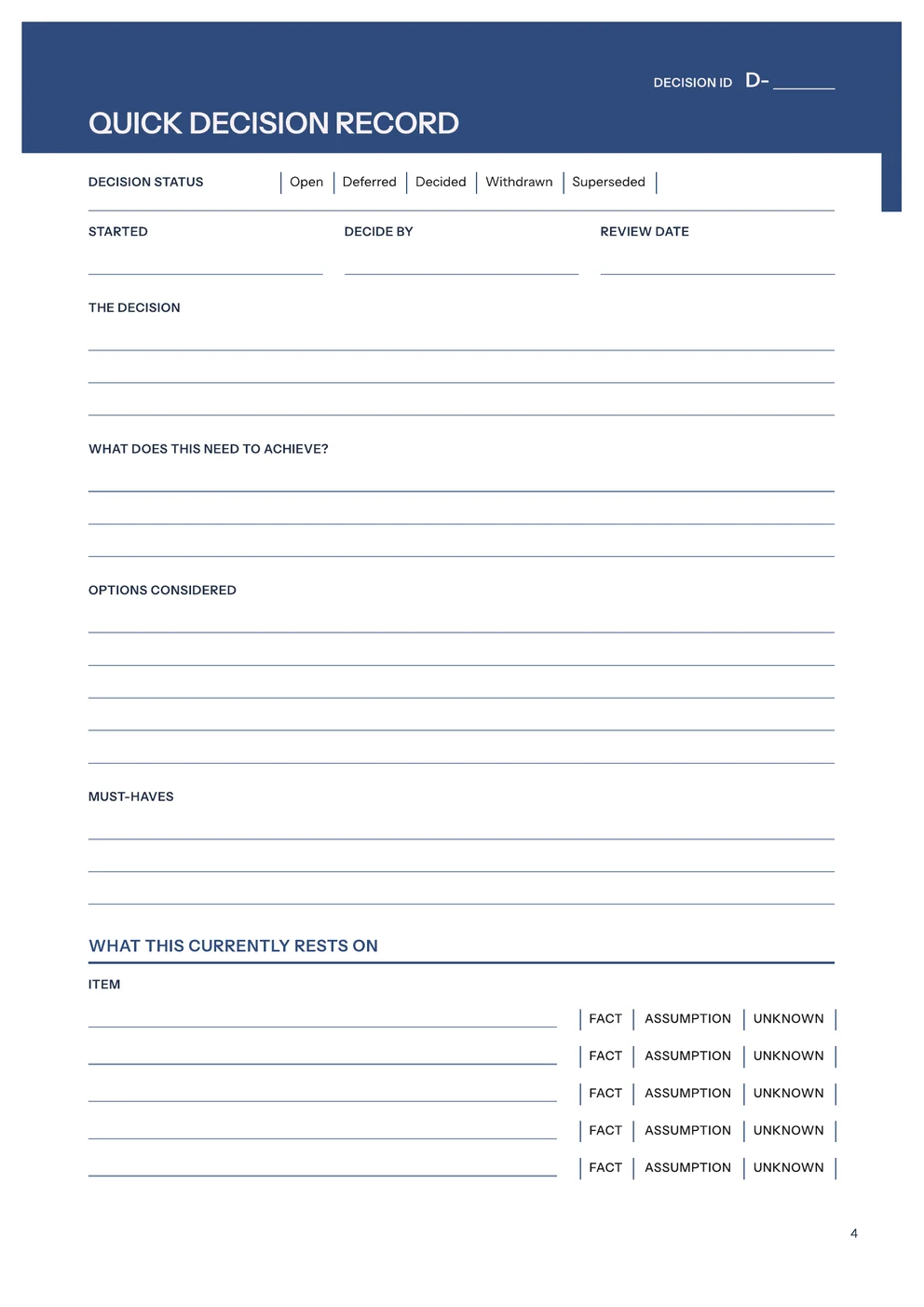
Use a sheet of paper or a note on your device. In The Decision File, use the first page of the Quick Decision Record, page 4.
- Write the decision in one sentence and the date you need to decide by.
- Write what the decision needs to achieve.
- List the options you are considering, including staying as you are.
- Write your must-haves: the conditions any option has to meet.
- List up to five points the decision depends on, and mark each one Fact, Assumption or Unknown.
- Set a review date.
For each point marked Unknown, decide whether you need an answer before choosing. Check the assumptions that could change your choice. On the day you decide, record your choice, reasons, expected outcome and any remaining uncertainty. At review, compare these with what happened. In the edition, complete page 5 when you decide and page 6 on the review date.
Common questions
- Won’t I remember why I chose?
- In a 1975 study, psychologist Baruch Fischhoff found that knowing an outcome made people judge it as more predictable than people who had not been told the outcome. Write your reasons down on the day you decide. On the Quick Decision Record, that means the main reason, the outcome you expect by the review date and the main remaining uncertainty.
- Does writing it down mean deciding now?
- Mark the decision Deferred. Record either a date to reopen it or the event that would trigger another look. The other statuses are Open, Decided, Withdrawn and Superseded. A withdrawn decision records the date and reason, and a superseded one records what changed.
- Isn’t it too personal to write down?
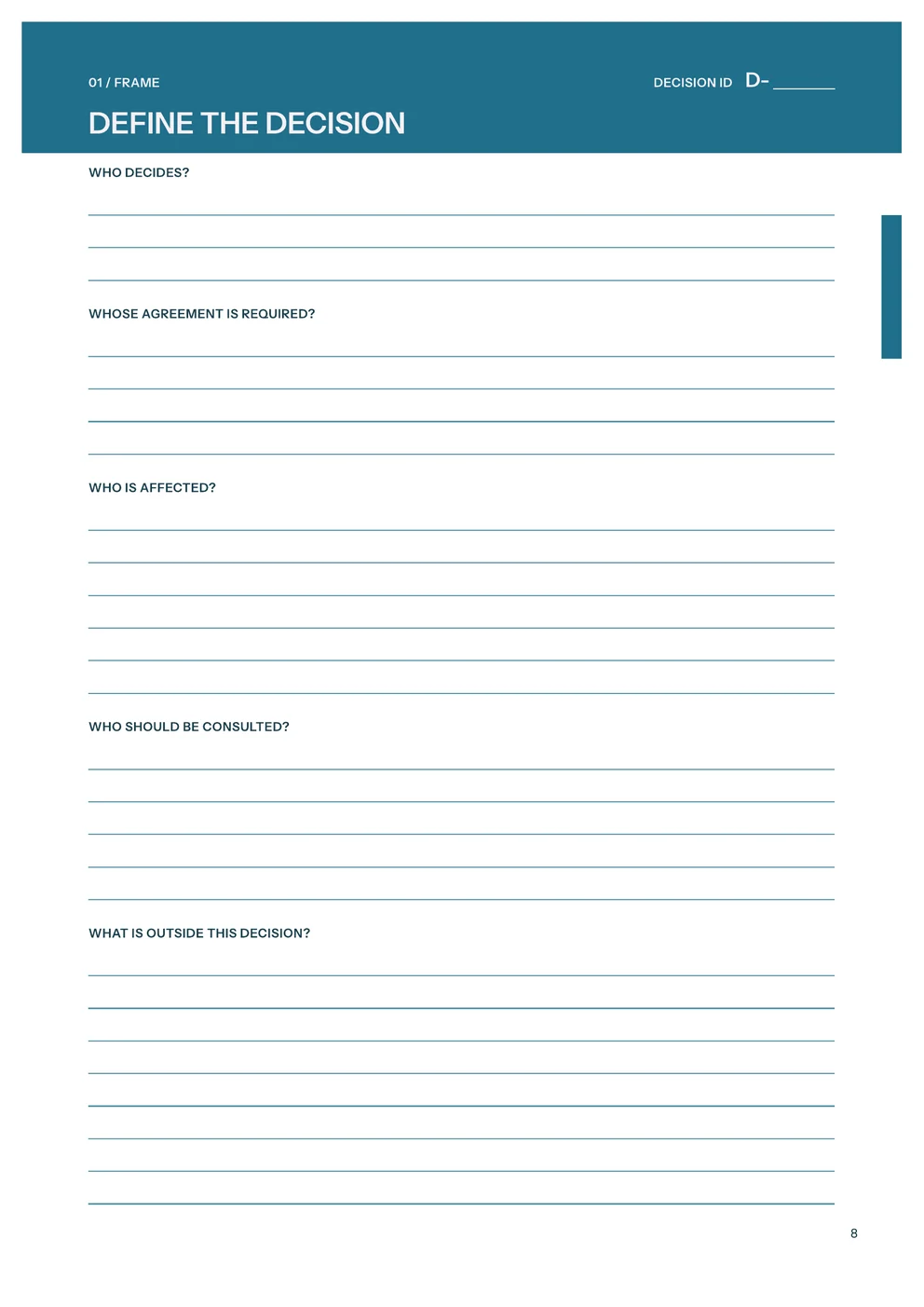
- Keep the working pages private. The Decision Summary sets out the decision, the main reasons, the actions and the review date on one page, for the people it affects. For a shared decision, the Full Decision File records who decides, whose agreement is required, who is affected and who should be consulted.
What the full edition adds
The Decision File
- The Full Decision File
- Six stages for a choice that is difficult to reverse, affects another person or depends on information you do not have yet: Frame, Options, Evidence, Test, Decide and Review.
- Ways to compare options
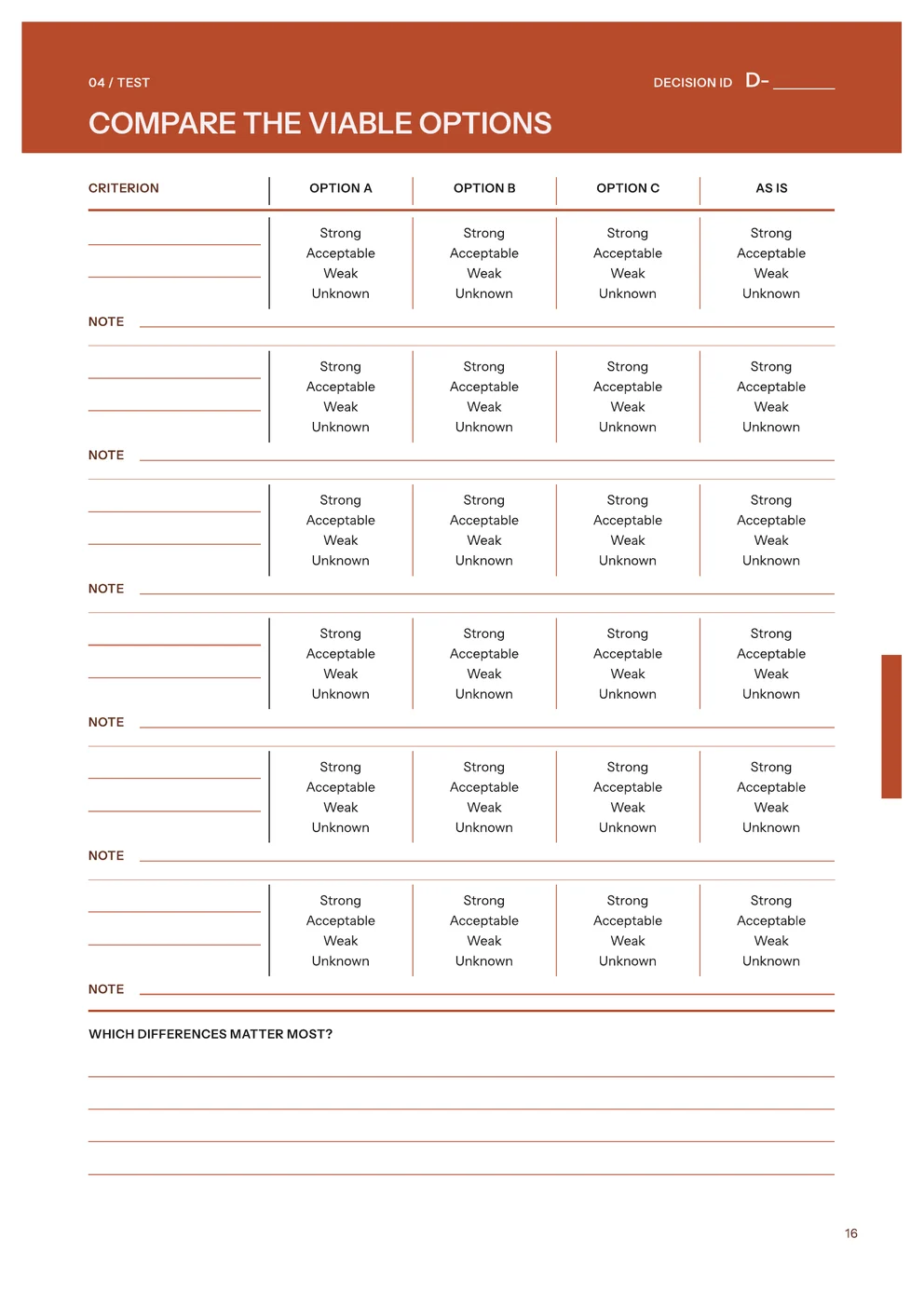
- Pages for limits and must-haves, criteria, a viability check, a direct comparison of up to three options and the current course, and consequences. The Reversibility and timing page asks what could be undone, when it gets harder to reverse and whether there is a smaller step to test first.
- Evidence with sources
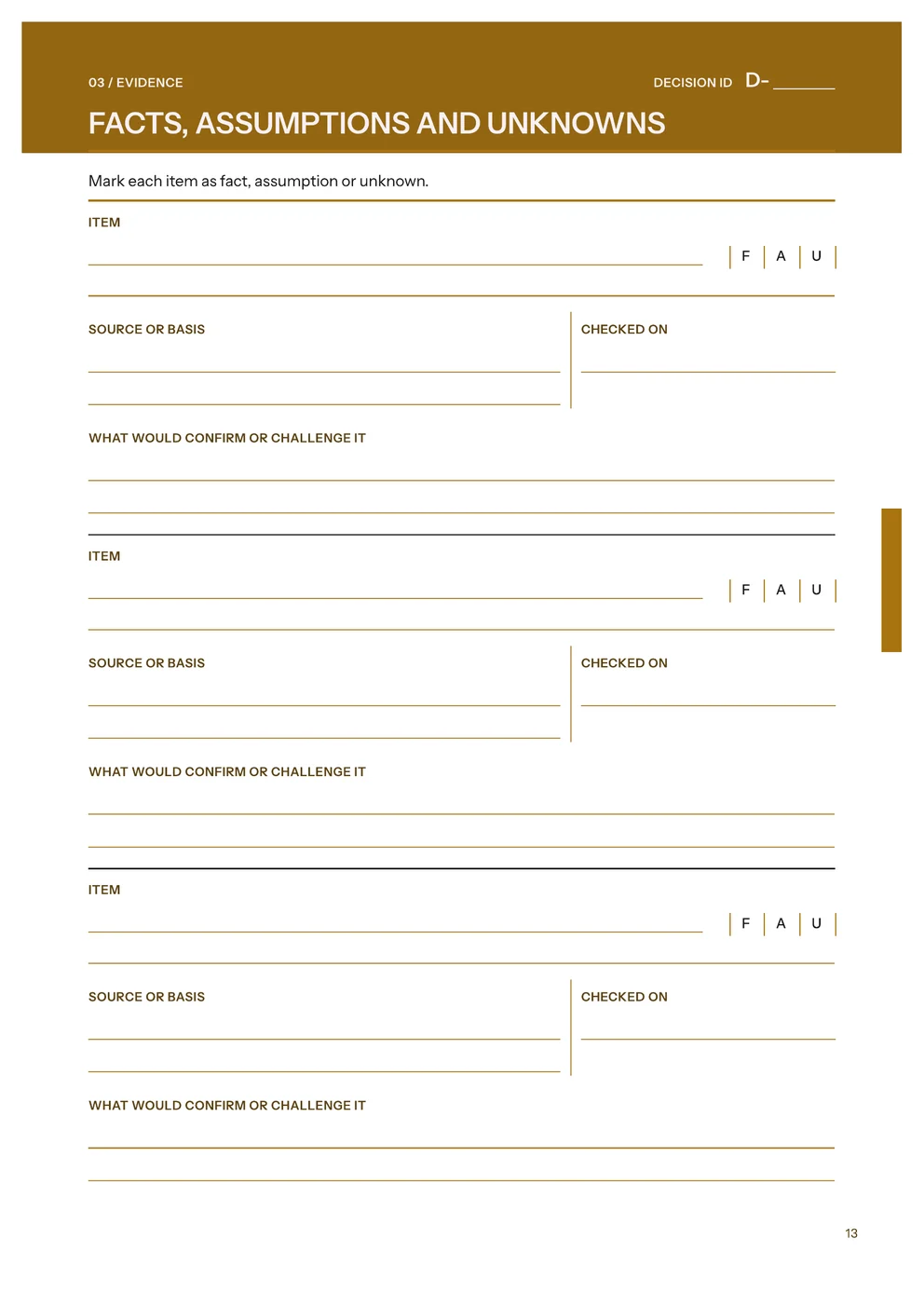
- A Facts, assumptions and unknowns page that records the source, the date checked and what would confirm or challenge each item, and an Information worth getting page with three questions for deciding whether more research is worth the delay.
- Review and register
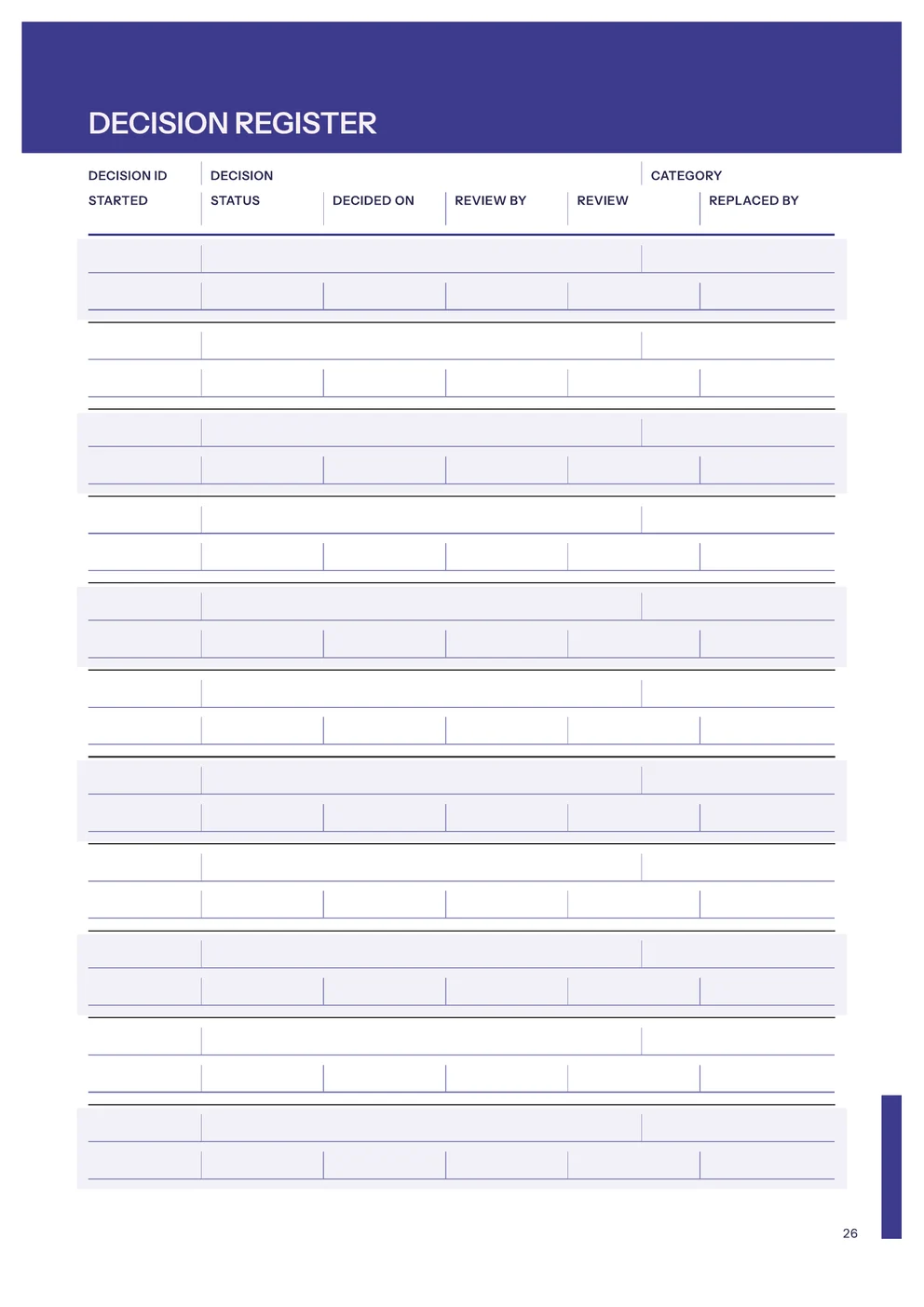
- A review page that compares what happened with what you expected, and a Decision Register that lists each decision by Decision ID, status and review date.
Free utility
Decision Prep
Build a Decision Prep workbook in Excel to prepare for comparing the options: record your options, must-haves and criteria, then check what is still missing. Free to use. No account.
Sources
Baruch Fischhoff, “Hindsight ≠ foresight: The effect of outcome knowledge on judgment under uncertainty”, Journal of Experimental Psychology: Human Perception and Performance, 1975: https://doi.org/10.1037/0096-1523.1.3.288