 Digital edition · illustrated view
DF.001 · Personal and Family · First edition
The Personal Archive
Record the people, places, objects and ordinary days you want to remember. Give each entry a reference and note where its photographs or recordings are stored so related records can be found across volumes.
- Edition
- First edition, 2026 · v1.0
- Page size
- B5176 × 250 mm
- Cover options
- 7
- Files
- Print PDF
- Low-Ink PDF
- Fillable PDF
- Tablet PDF
- Interactive
- Available soon, with the Interactive and Complete Editions
What this edition lets you do
- Start with one person or object
- Write what you know now, including an approximate or unknown date.
- Connect the entries
- Reference related people, places, occasions and objects on their separate pages.
- Record where the original photograph, letter or recording is stored
- Note the file or item name and storage location, so the original can be found from related entries across volumes.
For example A photograph has a name written on the back and no exact date. Record the person, an approximate period and the album where the photograph is stored, then add the reference of a related place record.
About this edition
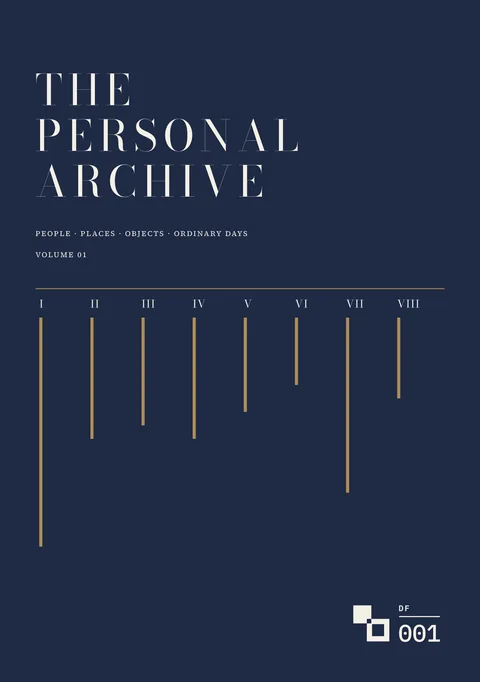
The Personal Archive is organised into eight collections: People, Places, Occasions, Objects, Words, Culture, Ordinary Days and Worth Keeping. Start with any record in any collection.
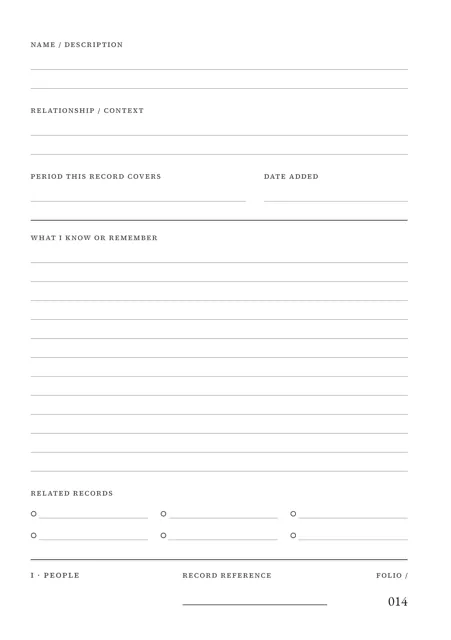
Every record gets a reference made from your Archive mark, the volume and a record number, for example RAH · V01 · 001. The same reference appears on every page of the record, and related records are listed by reference.
Dates can be exact, approximate or unknown. The page records where each original photograph, file or recording is stored. When a volume is full, the Volume continuation page records where it closed and the next volume starts at V02.
Find and connect your records
- Record a person in four pages
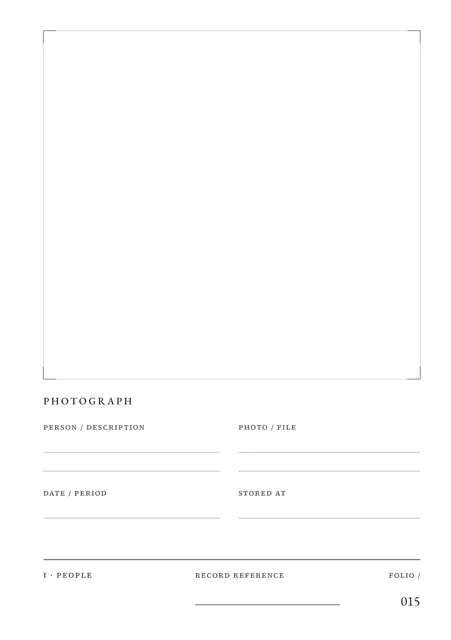
- A Person record contains a record page, photograph page, details page and a page for words you want to remember, all under one reference.
- Find a record again
- The Index lists each reference with its subject, collection, date and folio.
- Record the date you know
- Use an exact date, a month and year, a year, an approximate year, a range, a period such as summer 1998, or Unknown.
- Record where the originals are stored
- Add the file or item name and storage location. The Files and recordings index in the Archive Register lists each linked item and its current location.
- Connect related records
- List related references on each record so a house, the person who lived there and an object from its kitchen can be found from one another.
- Continue across volumes
- The Archive Register lists each volume with the period it covers and its first and last reference.
- Record reference
- Each record uses the Archive mark, volume and record number: RAH · V01 · 001. A record number is never reused or renumbered.
Who it is for
- People recording family members, homes, occasions, objects and sayings in their own words.
- People with photographs, letters and recordings in boxes, albums and folders who want a record of what each one is and where it is stored.
- People who expect to fill more than one volume and want references that remain unique within each volume.
See a completed example
Ruth Adeyemi-Hale, Archive mark RAH
Completed example · Fictional information
Ruth opened Volume 01 on 18 July 2026 and filled records 001 to 093 by 26 August. They run from her mother-in-law Margaret’s kitchen in Leeds to her own family in Bristol, and include a bread bin, a blue letter file and an ordinary day. The example shows one page of each kind, completed with notes on fields that need explanation.
What you do
- Fill in the Bookplate with the owner, Archive mark, volume, date opened and period covered.
- Start with any record in any collection and give it the next unused record number.
- Write the reference on every page the record uses.
- Add the date you know and list related references.
- Record where each original photograph, file or recording is stored.
- Add the record to the Index and, where needed, the Archive Register.
- Use a continuation page when a record needs more room. Start the next volume when the current one is full.
In use
In each format
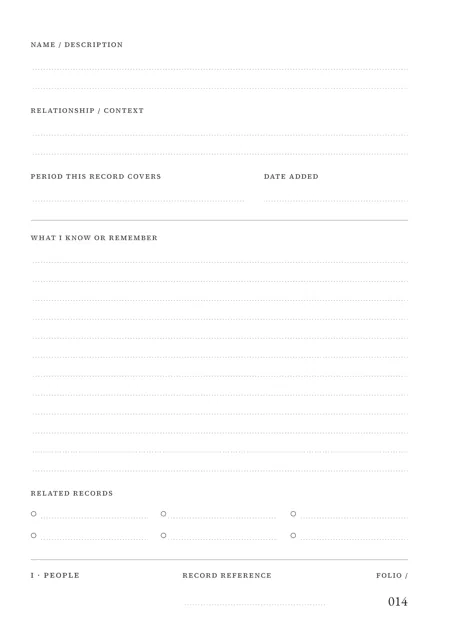
- Print PDF
- Full-colour pages for printing.
- Low-Ink PDF
- Printable pages with reduced solid fills.
- Fillable PDF
- Fields for typing in a PDF reader. Tested in Chrome and Firefox.
- Tablet PDF
- Pages for handwriting and drawing in a PDF annotation app. The Archive Register and Refill Sets are supplied as separate Tablet files.
- Interactive Edition
- Available soon. The same record pages for browser completion.
Interactive Edition · Available soon
Type into the pages in your browser. Each field holds what fits on the printed page and warns you near the limit. The project shows Saved after it is stored on the device.
Save a backup to move the project to another supported browser or device. Export a reading PDF with fixed entries or a fillable PDF with editable entries.
Scope
The pages record your entries and the storage location of each original photograph, file or recording. Store the originals separately.
Complete the Index and Archive Register as you add records. Write related references on each record to connect it to the others.
Leave passwords, PINs and access codes out of the edition.
Questions
- What does it cover?
- Eight collections: People, Places, Occasions, Objects, Words, Culture, Ordinary Days and Worth Keeping.
- Where do photographs and recordings go?
- Store the originals where you already keep them. Record the file or item name and location in the edition.
- Where do I start?
- Start with any record in any collection and give it the next unused record number.
- What if I do not know a date?
- Use c. before an estimate, or enter a month and year, a year, a range, a period such as summer 1998, or Unknown.
- What happens when a volume is full?
- Record where it closed on the Volume continuation page. The next volume is V02 with the same Archive mark, and its record numbers start again at 001.
- Which format should I use?
- Print for paper, Low-Ink for reduced solid fills, Fillable for typed PDF entries or Tablet for handwriting with a stylus. An Interactive Edition, for completing the record in your browser, is available soon.
- Is the completed example included?
- Yes. Ruth Adeyemi-Hale and the example information are fictional.
Version history
Updates within version 1 are included. Each one appears in your library with a note of what changed.