
Form Guide · DF.017 · The House Record
How to start a house record
Record repairs, alterations and servicing, where invoices, certificates and photographs are stored, and the next due date for each service. Start with the key locations.
Watch the guide
When people start
- You have just moved in and cannot find the stop tap.
- A builder, electrician or window fitter has just finished a job.
- You are getting ready to sell and need the certificates for past work.
- You need the paint colour for a touch-up and the tin has gone.
Your first 15 minutes
Key locations
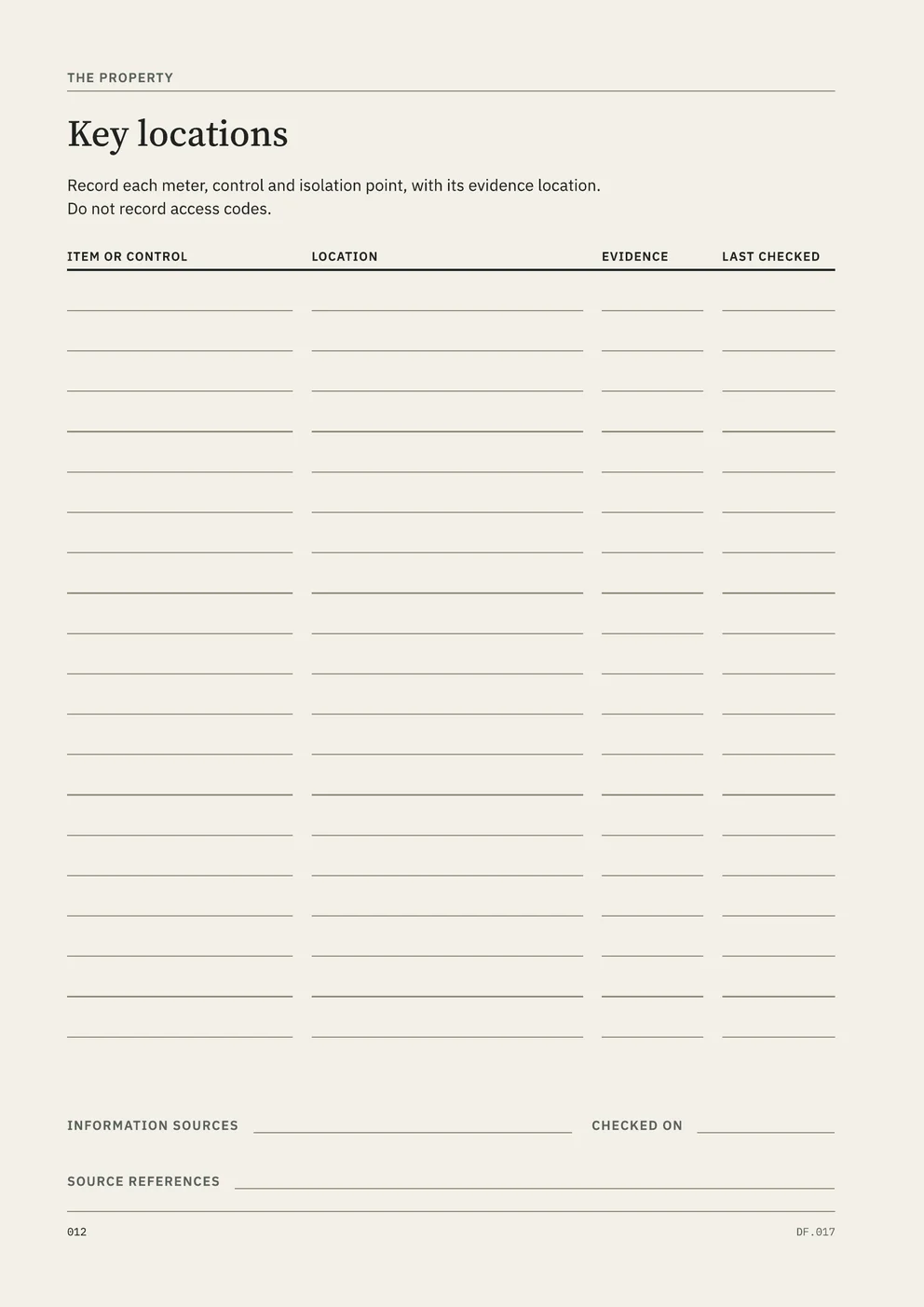
Use a sheet of paper or a note on your device. Walk round the house and record the locations of the main service controls, meters and heating equipment. In The House Record, use Key locations on page 12, with columns for the item or control, its location, the evidence and the date last checked.
- Find the stop tap, the valve that turns off the mains water. Write where it is, for example “under the kitchen sink, behind the bin”.
- Find the electricity meter and, if the property has gas, the gas meter. Record their locations.
- Find the consumer unit, also called the fuse box, and write where it is.
- Find the boiler or other heating equipment and its controls, including any separate timer or thermostat.
- Photograph each one and write the photo’s file name beside the entry.
- Write today’s date against each entry.
You now have a first list of key locations. Keep it where the people who need it can find it.
Common questions
- Won’t it take forever?
- Start with one completed job, such as a new boiler, a rewire or a kitchen refit. The House Record takes one repair, alteration or replacement through five steps: the room, the work, its evidence, the materials and equipment involved, and where each fact came from. Every later job uses the same five steps.
- What if I don’t know the house’s history?
- Write Unknown in any field you cannot answer. Each record names its information source, such as Certificate or report, Invoice or receipt, Owner recollection, Previous-owner information or Source unknown. The Work timeline on page 26 has a section for work done before you owned the house.
- What if the paperwork is all over the place?
- Note where each document is before you move anything. The Certificates and reports page lists each one with its location and a status of Current, Superseded, Expired or Missing. Some missing documents can be replaced: FENSA issues replacement certificates for window and door installations registered with it.
What the full edition adds
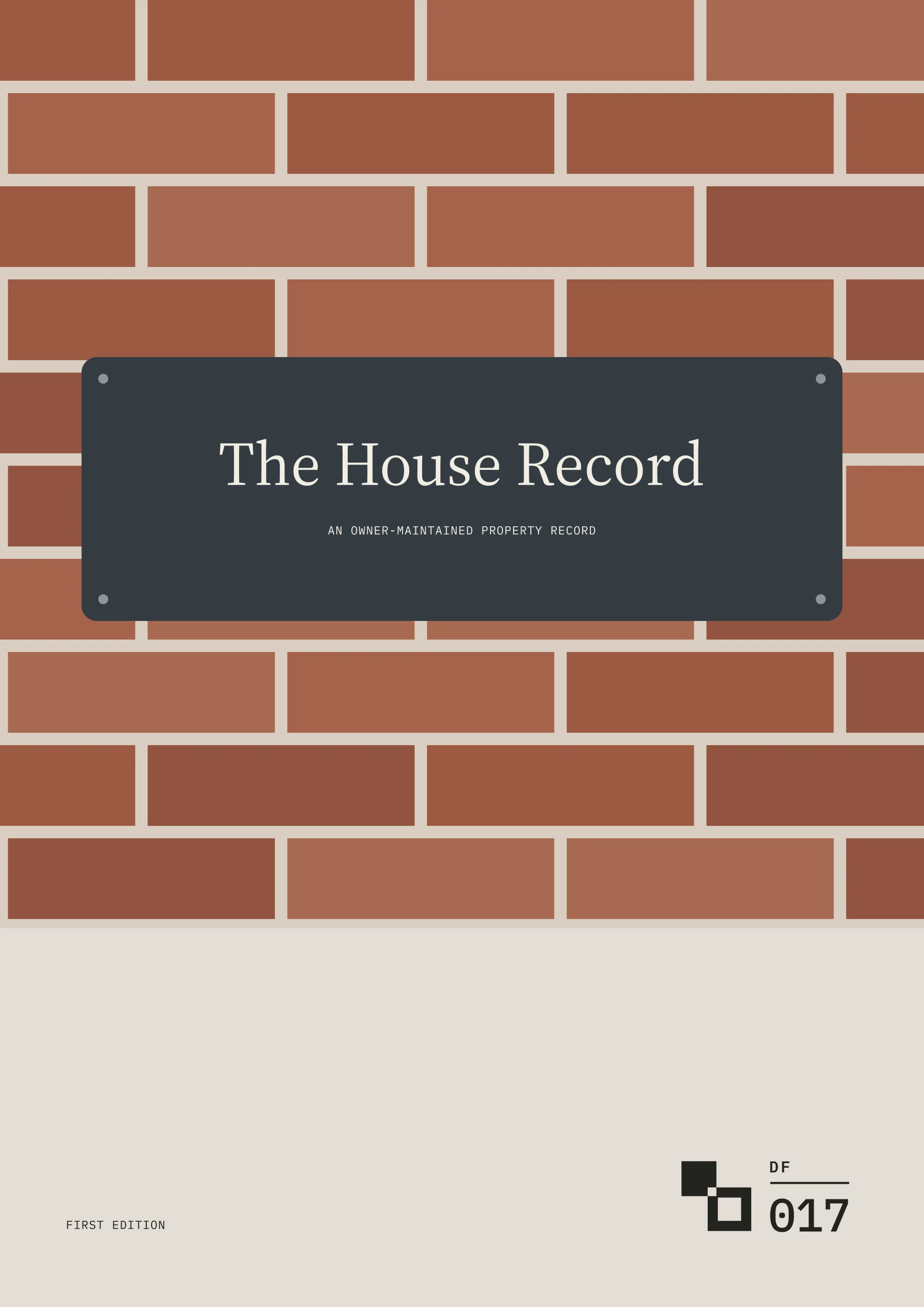
The House Record
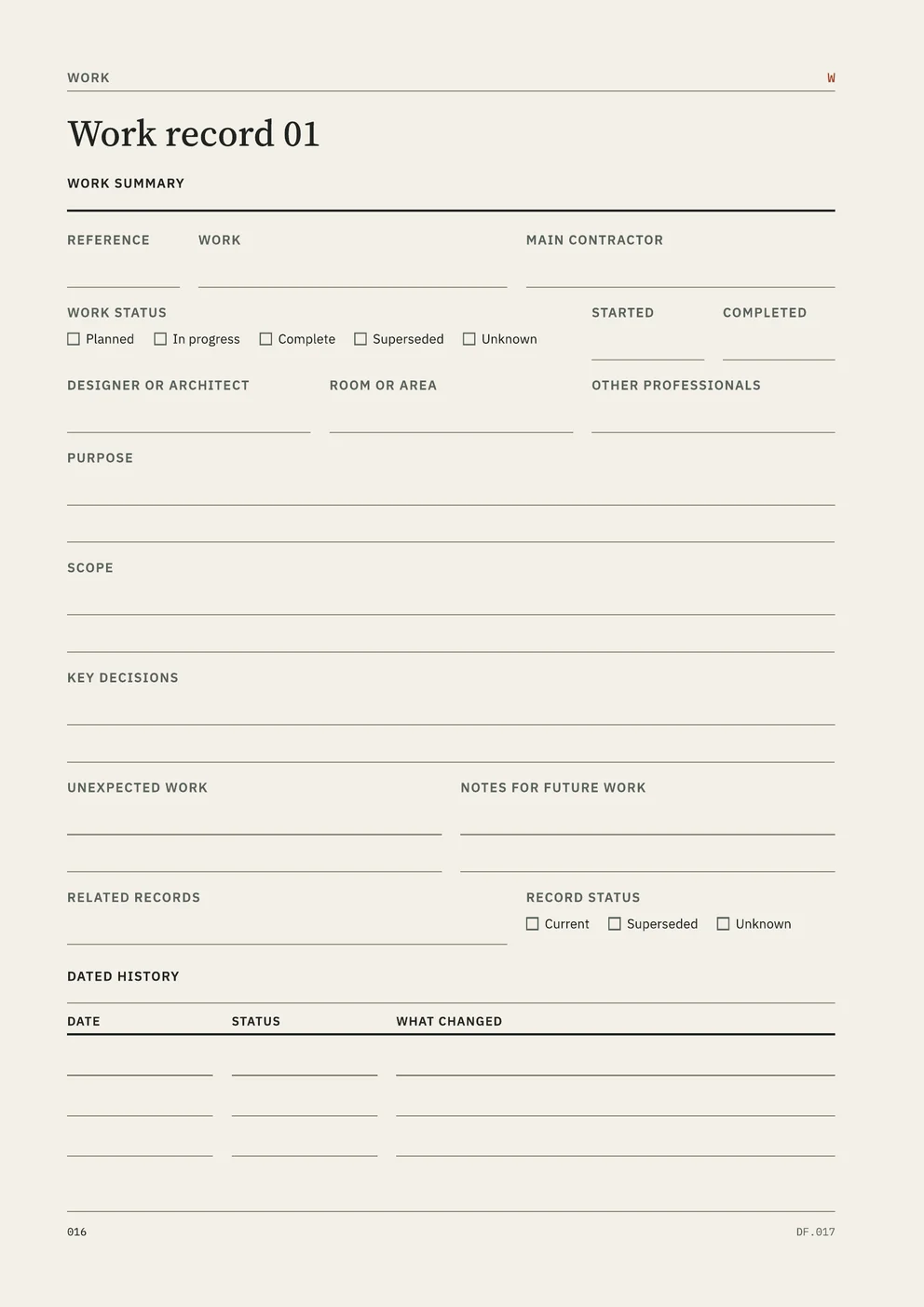
- Work records with their evidence
- A Work Index and five Work Records, each with an evidence page for planning and building-control references, certificates, warranties, invoices and photographs.
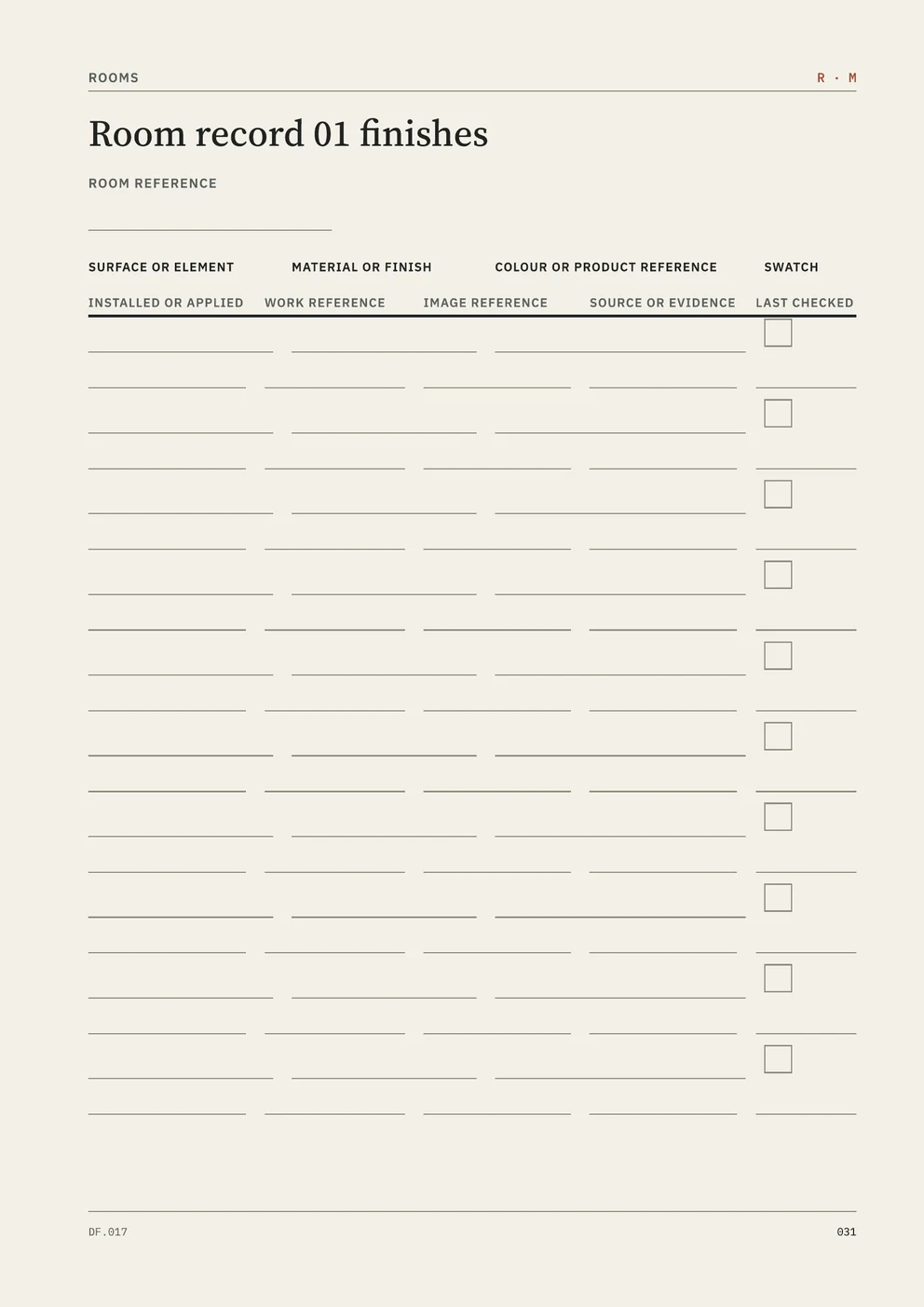
- Finishes with colour references
- Six Room Records, each with a finishes page that lists every surface with its material, colour or product reference and a swatch.
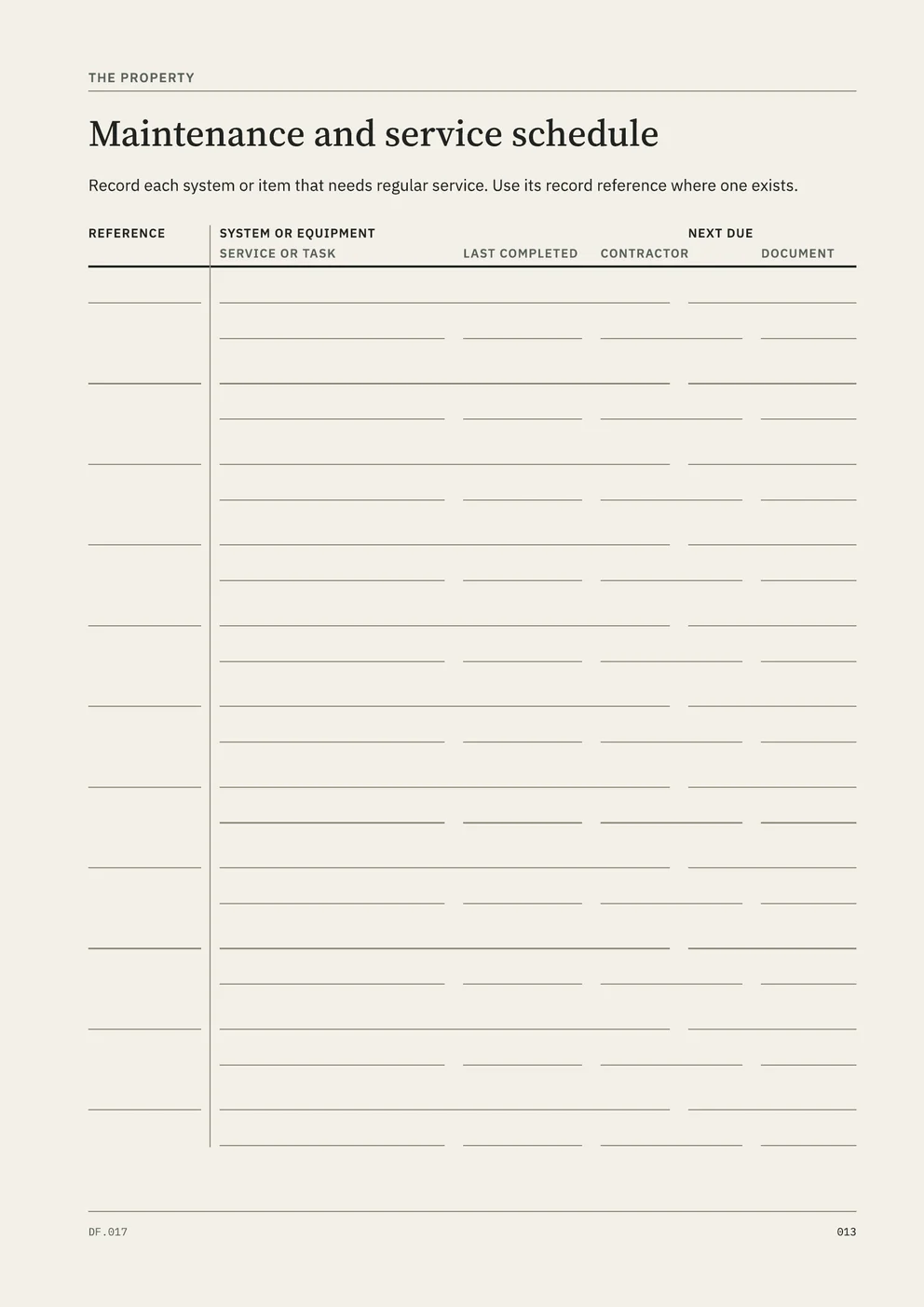
- A maintenance schedule
- Page 13 lists each system that needs regular service, when it was last done, when it is next due, who did it and where the document is.
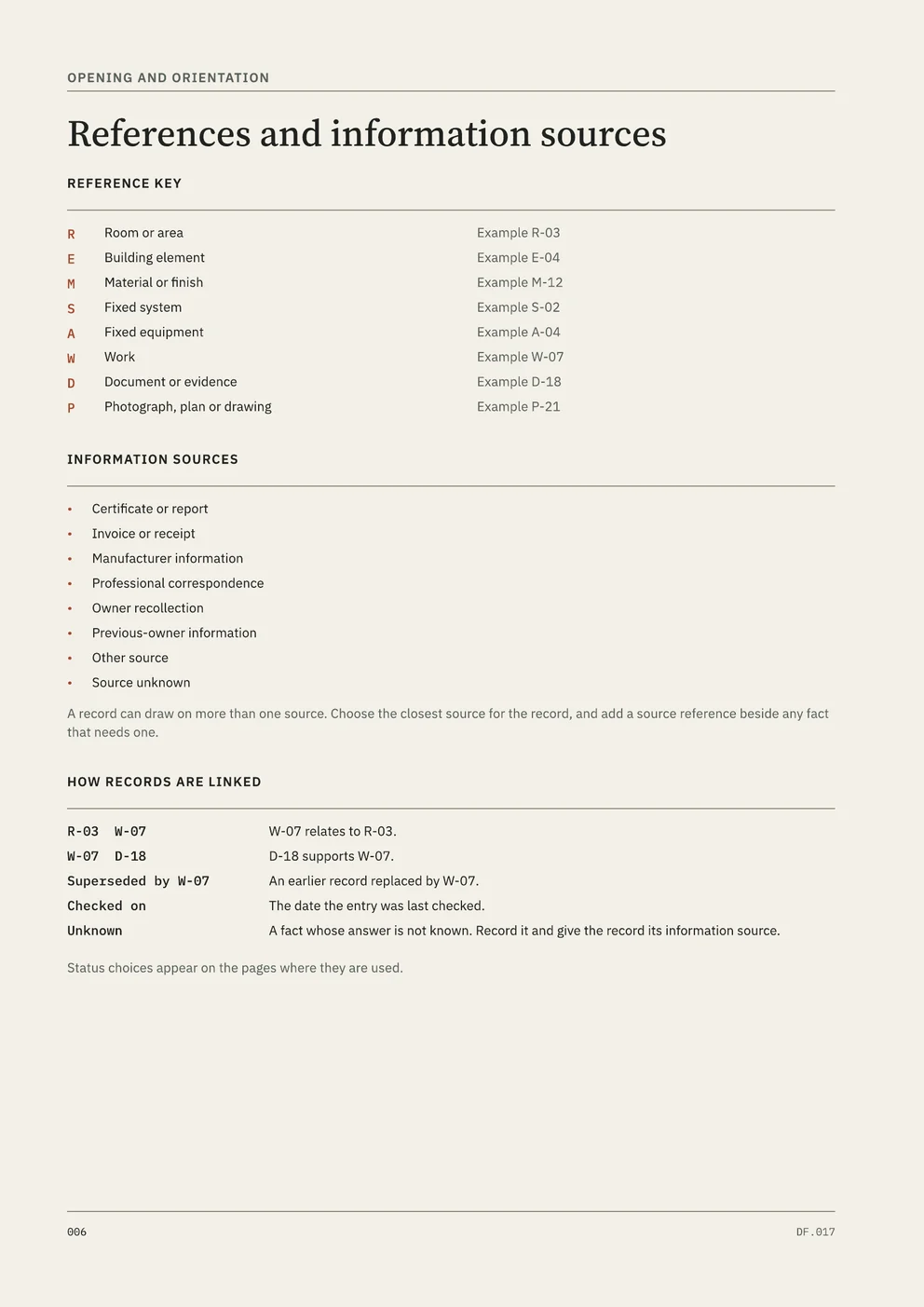
- Linked references
- Reference codes link each job to the rooms, materials, equipment, documents and photographs involved. A Repeat Library adds forms when a register is full, and the completed example shows a kitchen refit written up in full.
Free utility
Maintenance Log
Build a Maintenance Log workbook in Excel: what needs servicing, when it is next due by date, mileage or operating hours, and a history of every job done. Free to use. No account.
What to leave out
Leave passwords, alarm codes and door-entry codes out of the record.
Sources
FENSA, Replacement FENSA certificate: https://forms.fensa.org.uk/fensa-certificate
Checked on 27 October 2026.