Form Guide · DF.001 · The Personal Archive
How to start a personal archive
Record the names, dates and remembered details for photographs and objects you already have, one record at a time.
Watch the guide
When people start
- You are clearing a parent’s home and finding boxes of photographs.
- You are moving house and the albums are coming with you.
- There is a new baby in the family, and you want the names in the old photographs written down.
- Your photos are spread across old prints, a laptop and three phones.
Your first 15 minutes
One photograph
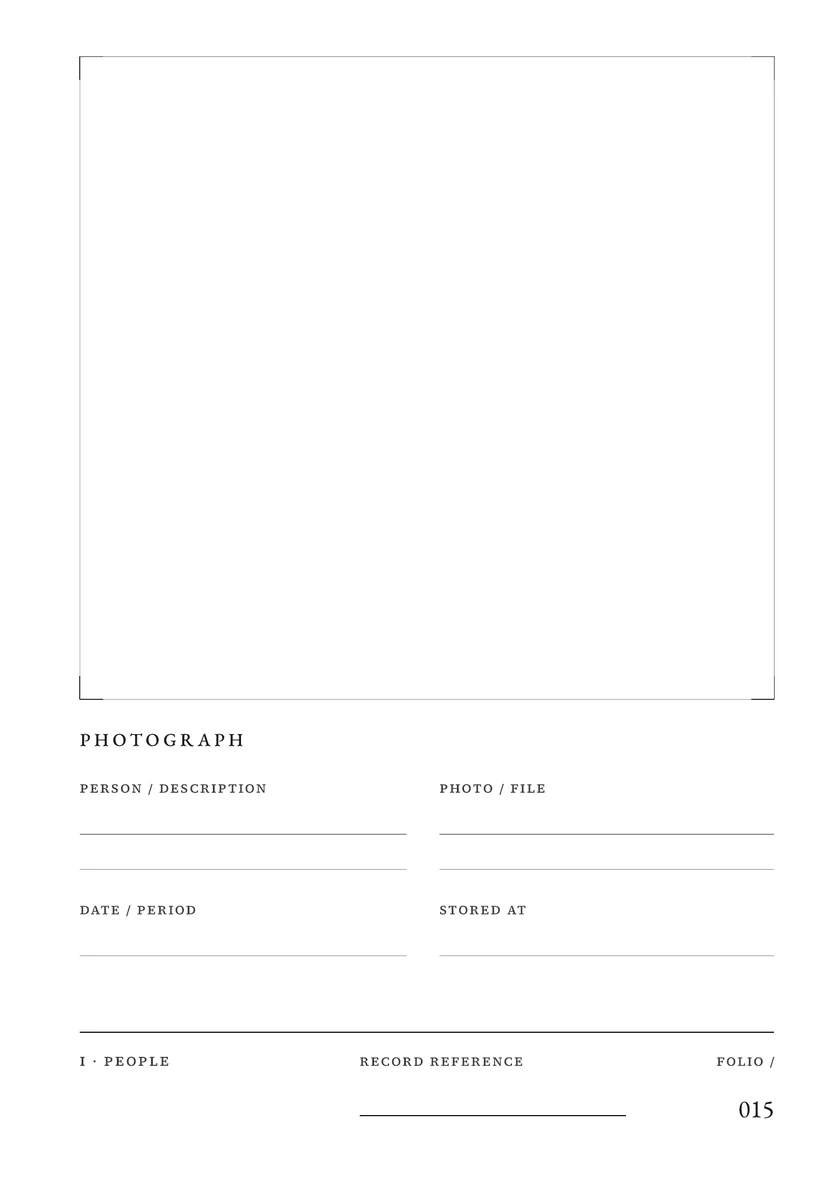
Use a sheet of paper or a note on your device. In The Personal Archive, use the Photograph page in the People collection, folio 015.
- Choose one photograph with people in it: a print or a digital photograph.
- Write who is in it, from left to right. Where you do not know a name, write a description, such as “Dad’s cousin from Leeds”.
- Write the date as precisely as you know it: an exact date, an approximate date or a period.
- Write where the original is: the album and page, the box, or the folder and file name.
- Write one detail about the occasion: where it was taken, who took it or what was happening.
- If a relative is available, show them the photograph and add any names or details they can confirm. Otherwise, note whom to ask.
You now have a first record of the photograph: the names and date you know, one detail about the occasion, and where the original is stored.
Common questions
- Isn’t it too big a job?
- For a large collection, Library of Congress archivists Laura Kells and Meg McAleer suggest starting with broad groups that already exist, such as a relative’s papers or photographs from a trip. For a smaller first task, choose one photograph. The Personal Archive lets you begin with a record in any of its eight collections and add more as you find things.
- What if I can’t remember the dates?
- Each date field takes the date you have: an exact date (12.04.1987), a month and year (04.1987), a year, an approximate date (c. 1987), a range (1987 to 1991), a period (summer 1998) or Unknown.
- What if I can’t move the photos?
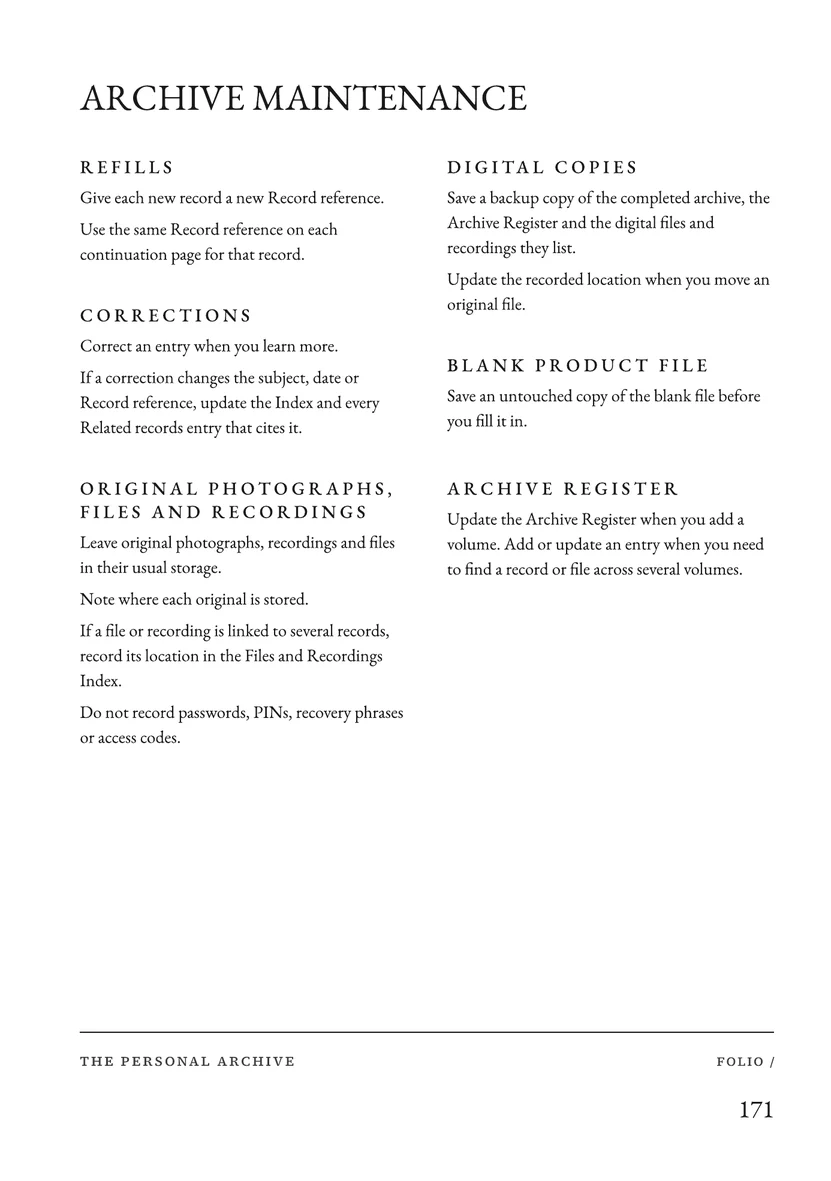
- Leave original photographs, recordings and files where they are. Each photograph page has a Photo / file field and a Stored at field, so the record says where the original is: the album, the box or the folder on your phone.
What the full edition adds
The Personal Archive
- Eight collections
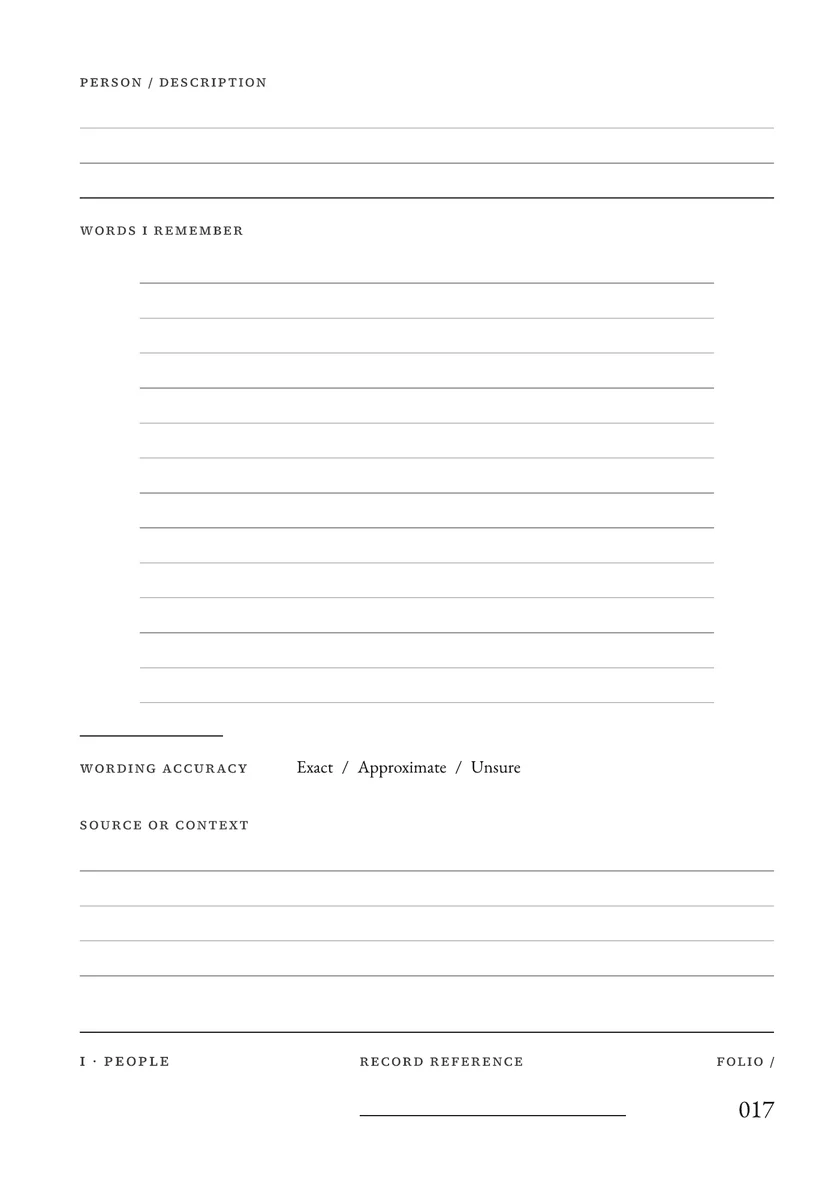
- People, Places, Occasions, Objects, Words, Culture, Ordinary Days and Worth Keeping, each with its own record pages. A people record has room for a habit or detail you remember, and the words you remember them saying, marked Exact, Approximate or Unsure.
- References and an index
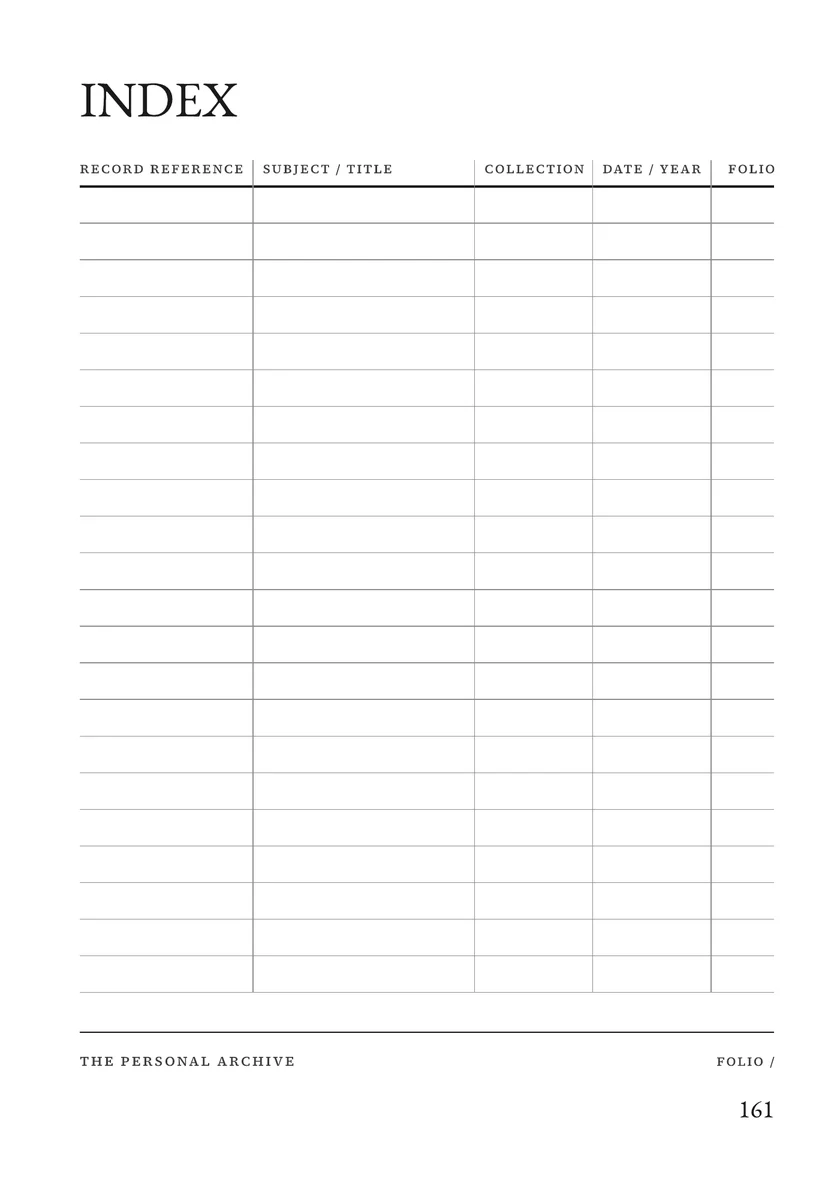
- Each record gets a reference such as RAH · V01 · 001, with a Related records field to connect a person to a place, an occasion or an object. The Index lists records by reference, subject, collection, date and folio.
- More volumes
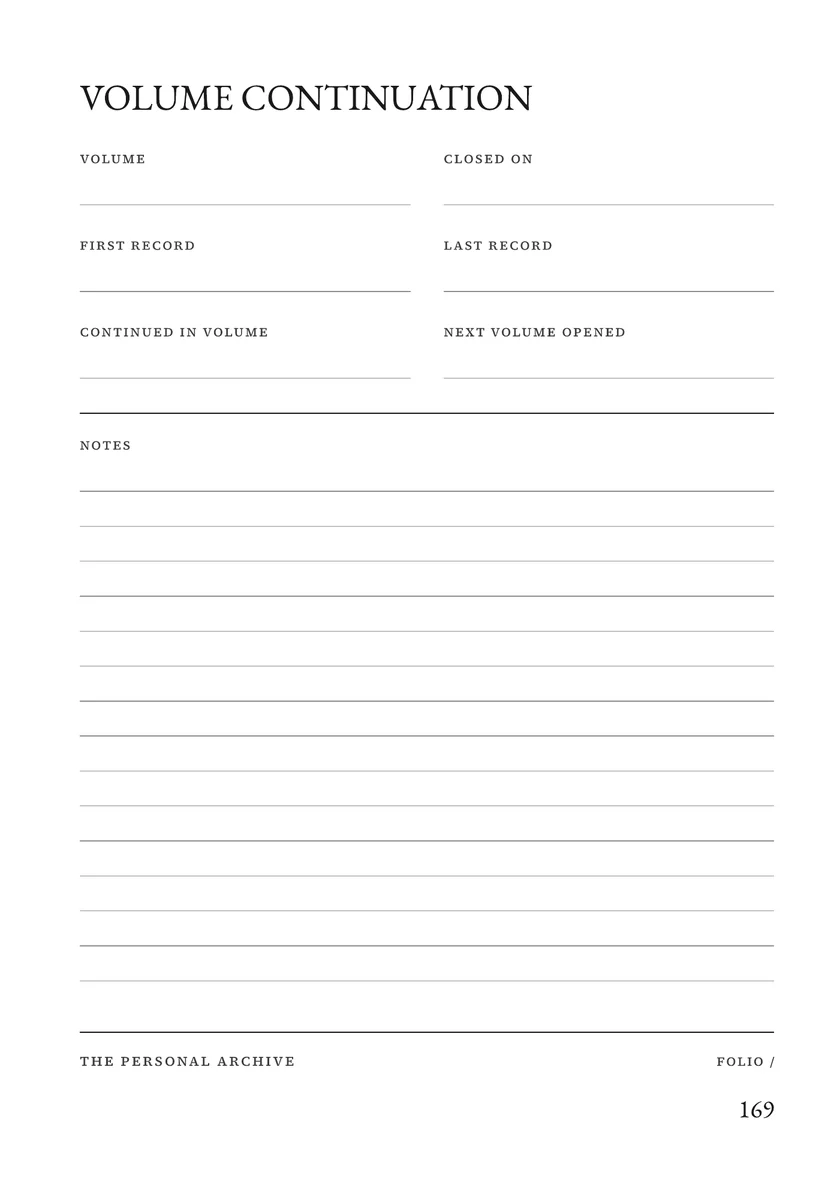
- Core and Complete Refill Sets for more records, a Volume continuation page for starting the next volume, and the Archive Register for finding records, people, places and files across several volumes.
- Archive maintenance
- A page for corrections, refills, digital copies and where each original photograph, recording and file is stored.
Free utility
Contact List
Build a Contact List workbook in Excel to record each person once, their contact details, birthdays and follow-up dates. Use it to keep track of the relatives you want to ask about old photographs. Free to use. No account.
What to leave out
Leave passwords, PINs, recovery phrases and access codes out of the archive, including those for the phone or cloud account where photos are stored.
Sources
Library of Congress, The Signal, “Your Personal Archiving Project: Where Do You Start?”, 11 May 2016: https://blogs.loc.gov/thesignal/2016/05/how-to-begin-a-personal-archiving-project/