Form Guide · DF.004 · The Professional Evidence File
How to start a record of your work
Record your responsibility, actions, result or current position, and the source that supports each statement. Add one example at a time, ready for a review, application or interview.
Watch the guide
When people start
- Your annual review is a month away and you need examples from the whole year.
- You are putting together a case for promotion.
- An interviewer will ask for an example of a problem you solved.
- A client or recruiter has asked for a portfolio.
Your first 15 minutes
One Work Evidence Note
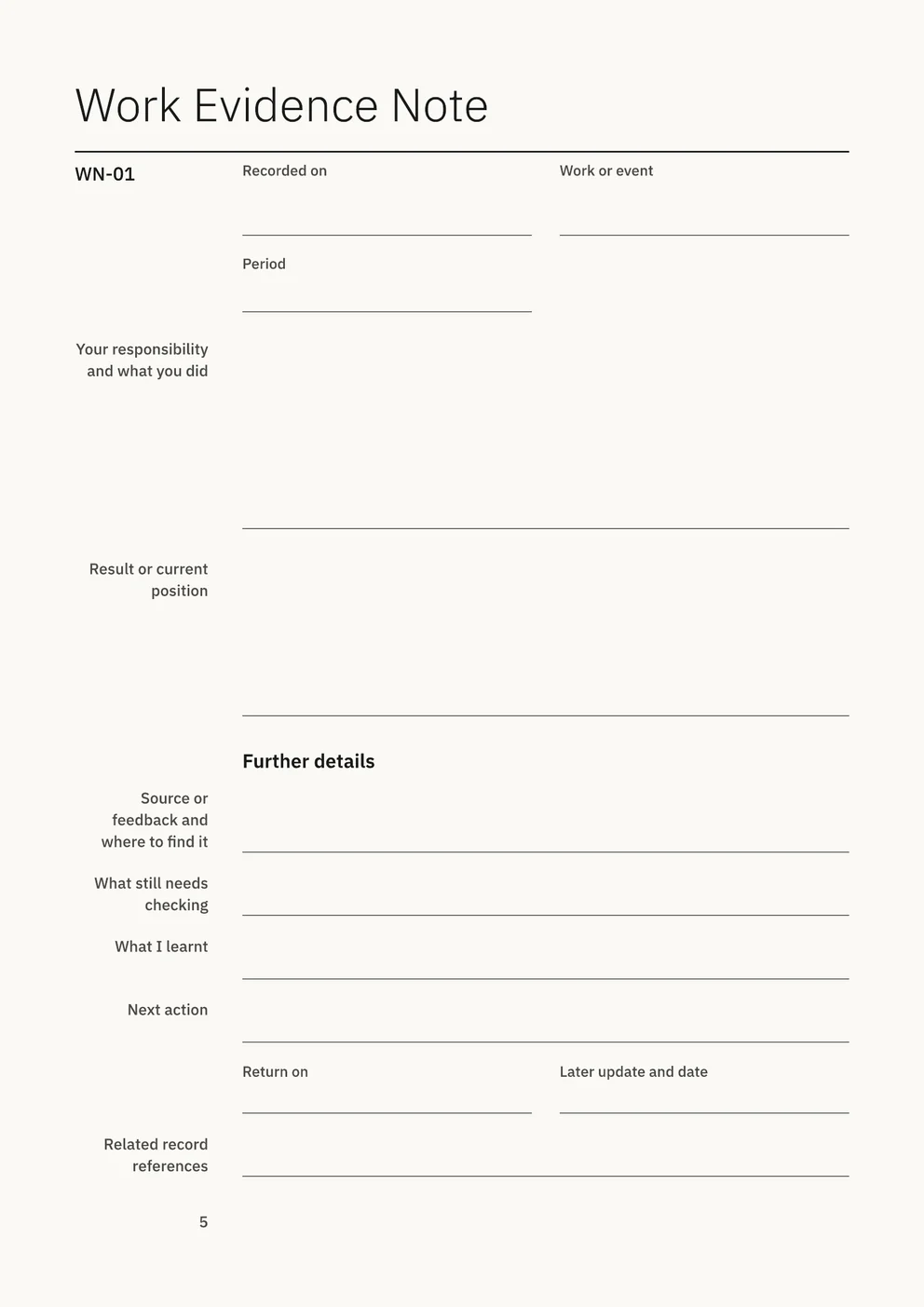
Use a sheet of paper or a note on your device. In The Professional Evidence File, use Work Evidence Note WN-01 on page 5. The note also has space for further details, checks, what you learnt and the next action.
- Choose one piece of work from the last month: a project, a fix, a handover, a report or a piece of mentoring.
- Write the work or event and the period it covered.
- Write your responsibility and what you did, in two or three sentences.
- Write the result or the current position.
- Write one source or piece of feedback and where to find it, such as an email, a ticket number or a meeting note.
- If the result is still pending, write a date in “Return on” to check it again.
You now have a first note to develop into an example for a review or interview. Before using it, check the result against its source and confirm what you may share.
Common questions
- Won’t I remember it at review time?
- Write the note when the work happens. Each Work Evidence Note has fields for “Recorded on” and “Return on”, so you can date the first account and set a date to check a later result.
- What if nothing I do seems worth writing down?
- A Work Evidence Note can cover routine work, mentoring, documentation, a problem you resolved or work still under way. When the result is pending, mixed or unsuccessful, record the current position.
- How do I describe my contribution without overstating it?
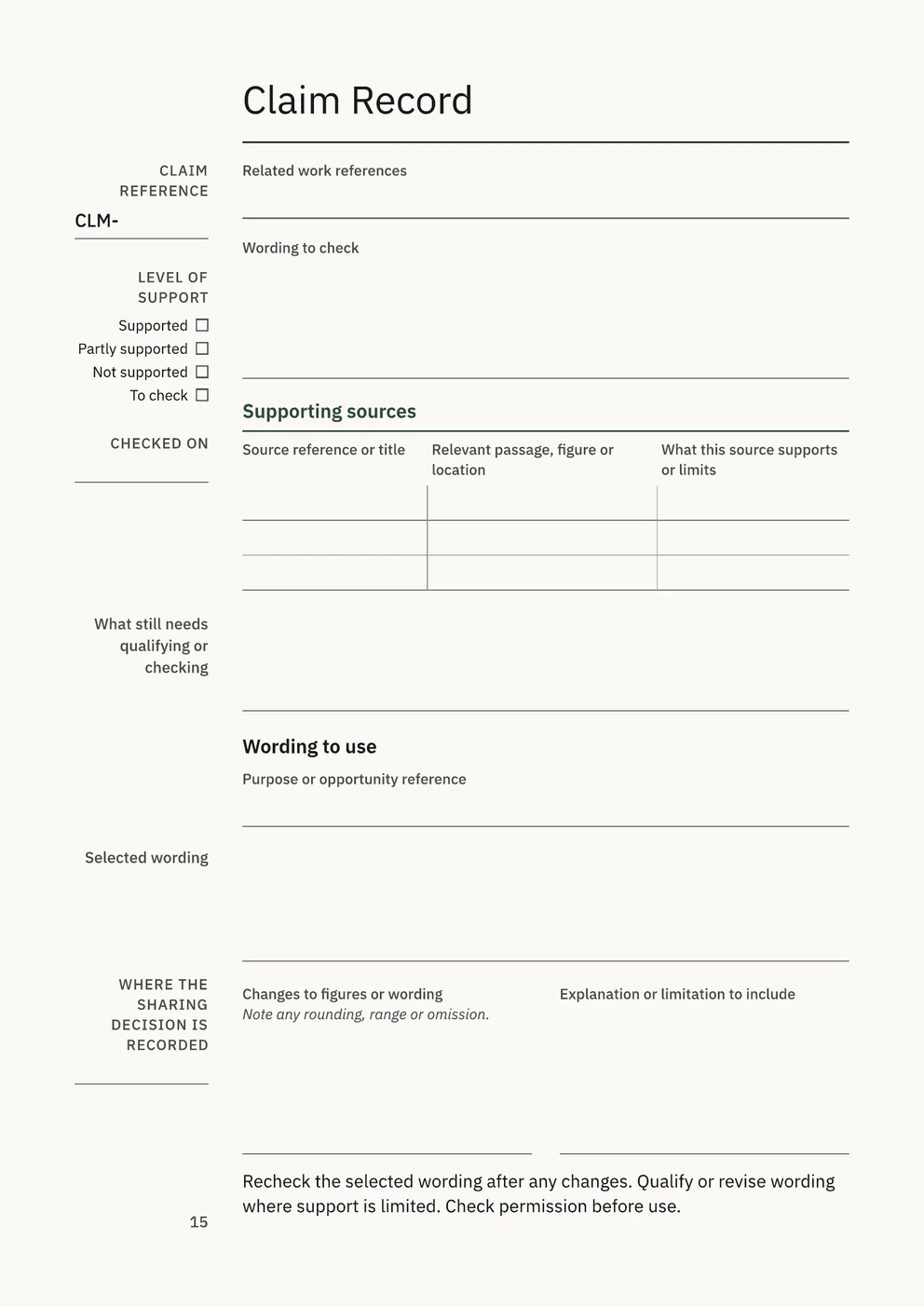
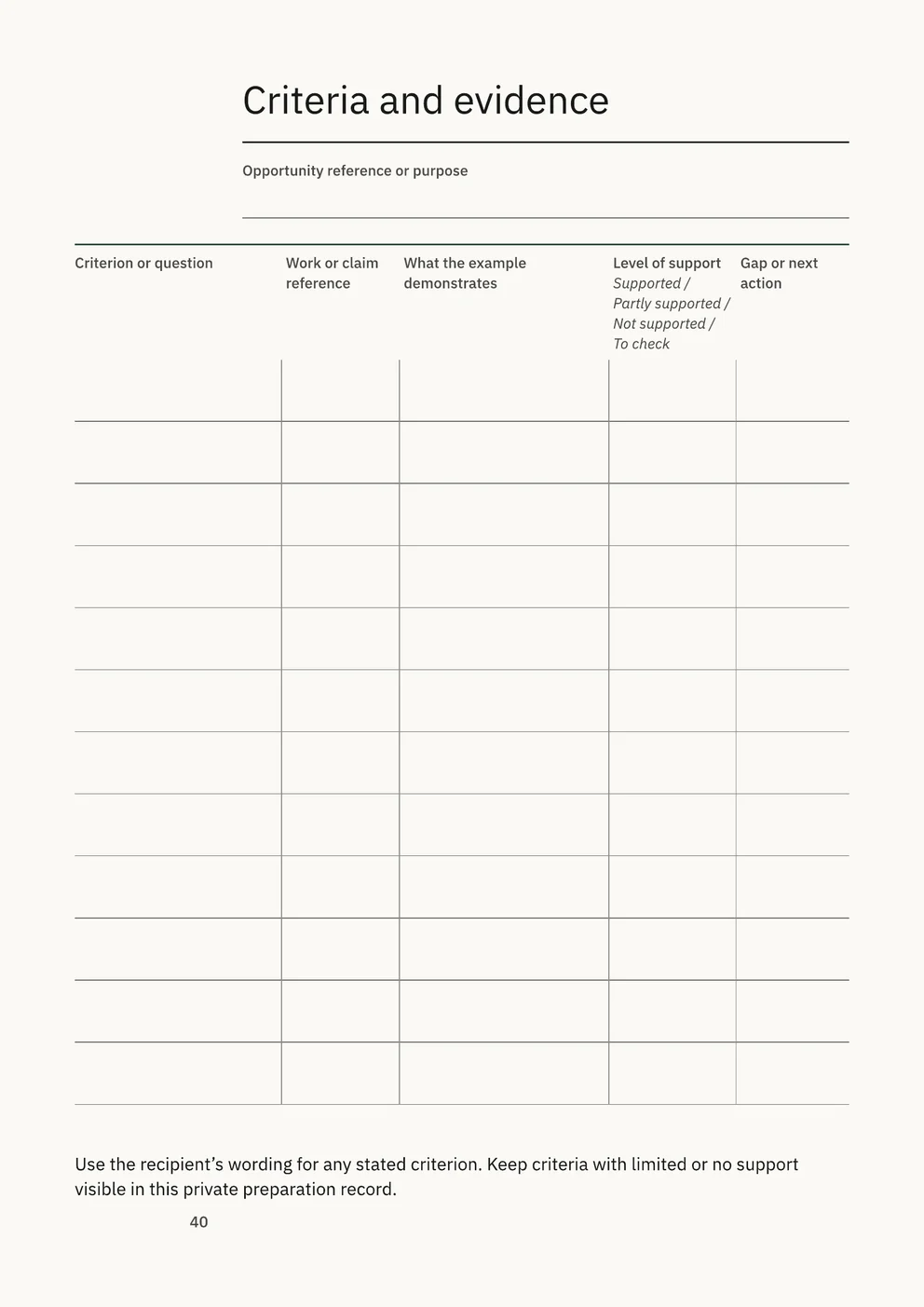
- Record your own responsibility and actions separately from the team’s work and the overall result. Before you use a statement in an application, check it against its sources on a Claim Record and mark it Supported, Partly supported, Not supported or To check.
What the full edition adds
The Professional Evidence File
- Notes and project records
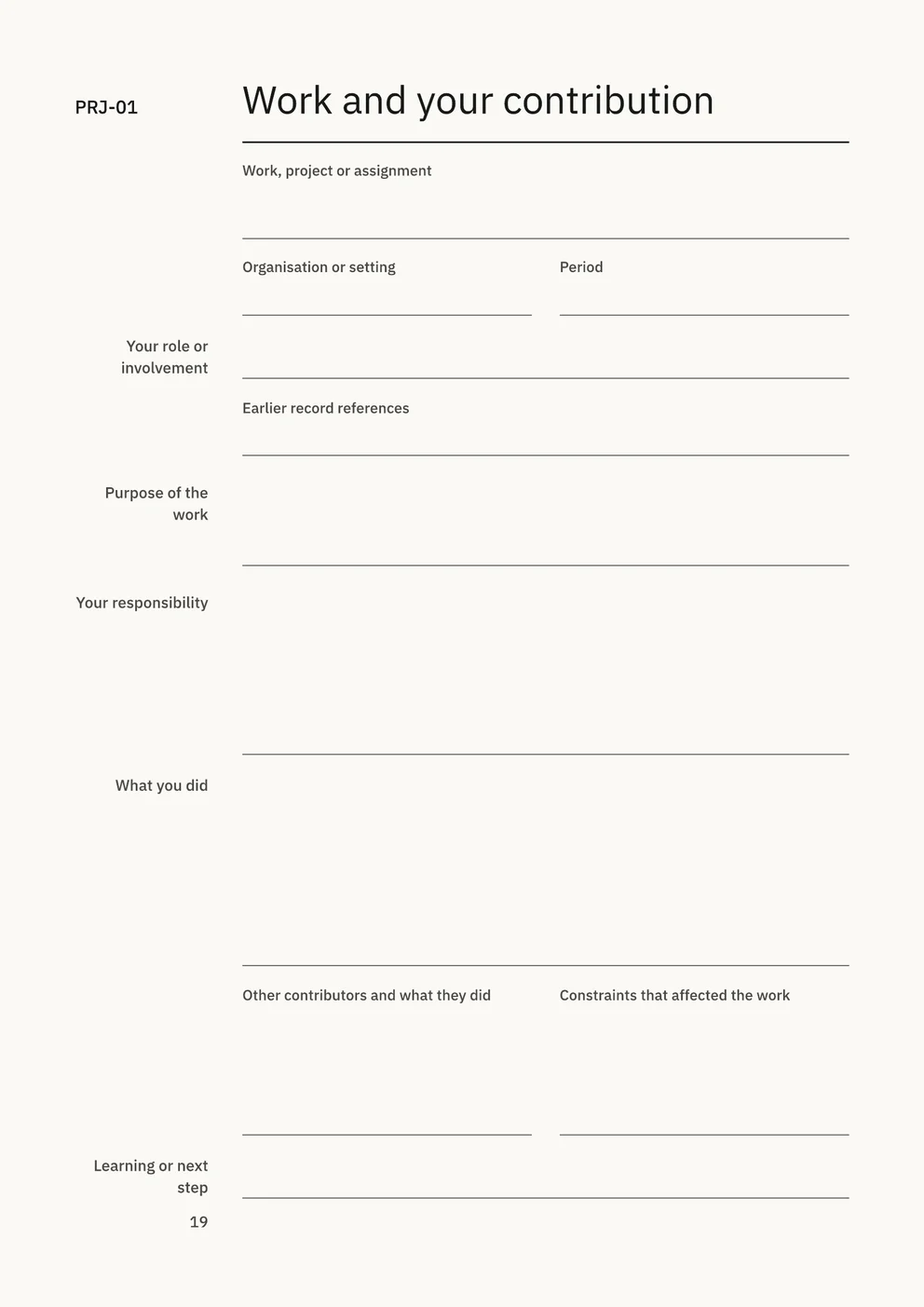
- Five Work Evidence Notes and five Detailed Project Records, each project with pages for your contribution, results and supporting evidence, an Evidence Record and a Sharing Decision.
- Checked statements
- Claim Records for testing each statement against the passage, figure or location in its source, and a Capability index listing each capability or criterion with the work that supports it.
- Preparing for a review, application or interview
- An Opportunity Brief, a Criteria and evidence page and a Selection and wording page to choose examples that meet the recipient’s requirements.
- Portfolios and sharing
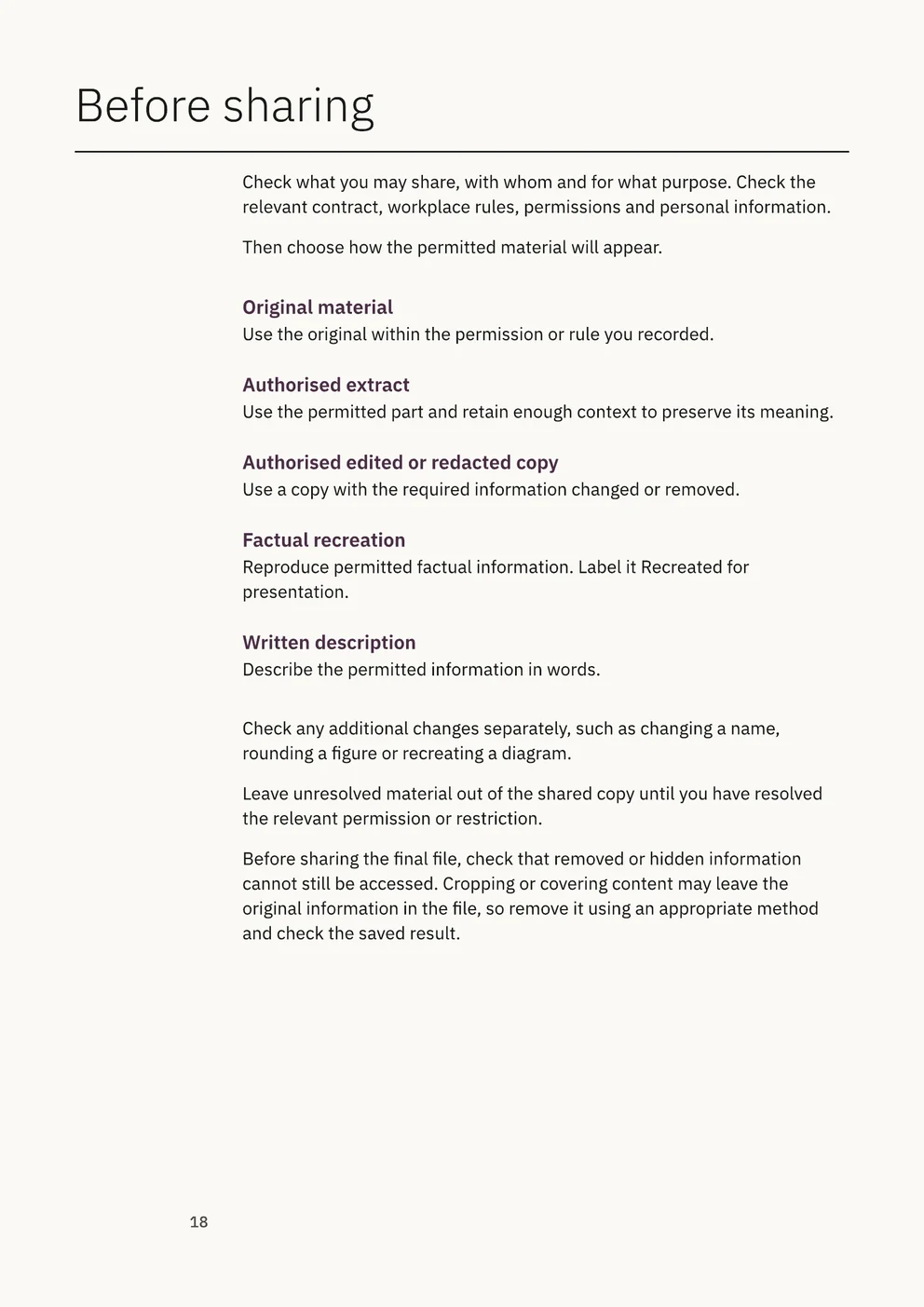
- Brief Portfolio and Selected Work Portfolio files, a Before sharing page with five ways to present permitted material, and a Before you send check.
Free utility
Review Prep
Build a Review Prep workbook in Excel to record objectives, dated progress updates and feedback in the speaker’s own words, and see how many days remain before the review. Free to use. No account.
What to leave out
Record only information you are permitted to keep, and leave passwords, access keys and recovery codes out of the file.