



Timesheet · Free · No account
Calculate hours from start, finish and break times.
The workbook includes a Time Log and a Summary. Type the date, start, finish and break in minutes, and the row shows the hours, including shifts that end after midnight. The Summary adds up this week, this month, overtime and leave.
- Excel 2016 and later
- Calculations checked in LibreOffice, Google Sheets and Apple Numbers
- Choose the periodPick weekly or monthly totals, then add columns: Hours typed, Client or project, Billable, Approval, Location or Mileage. Edit the types of work.
- Set your limitsDownload the workbook and, on Settings, type the hours before overtime each week. For billable work, add a standard hourly rate.
- Log each shiftOn the Time Log, type the date, start, finish and break. Hours are worked out, and Check says what needs fixing on any row.
Build your workbook
Preview: Weekly employee. Change the selected dates, categories or layout to update the preview.
JavaScript is required to use the builder. The workbook is made in your browser.
What you get
No time arithmetic
Type 09:00 and 17:30 with a 30-minute break and the row says 8.00 hours. A finish after midnight is handled.
Overtime and leave
Hours above your weekly limit are shown as overtime; annual leave, sick and bank holidays are shaded and added up.
Clients and billing
Tag each row with a client or project, mark it billable, and the amount uses its rate or your standard one.
Ready to sign
A printable Summary with name, period and signature lines for a manager or client.
The Weekly employee example
Times with a Break column, Hours typed for days without times, a Type for each row such as Annual leave or Sick, and an Approval column. The Summary shows overtime above the weekly limit and sign-off lines for name, manager and period.
Sheets included (5)
- Start HereHow the workbook works, what each sheet is for and the settings used.
- Time LogEvery shift or piece of work, one per row. Start typing in row 6.
- SummaryHours this week and month, overtime, leave and totals by client and type. Worked out from the Time Log.
- ListsEdit the white lists to change dropdown choices. Shaded lists are fixed because formulas use those names.
- SettingsValues used by the workbook, such as reminder windows. Change them here.
File details
- Made for
- Excel 2016 and laterThe download is an .xlsx workbook.
- LibreOffice
- No calculation errors in our testLibreOffice recalculated every formula in the workbook with no error values, such as #VALUE! or #N/A.
- Google Sheets
- Calculations matched Excel in our testGoogle Sheets removes sheet protection and repeated print headings.
- Apple Numbers
- A version made for NumbersChoose Apple Numbers under Look and layout: the same sheets and checks, and every calculation matched in our test in Numbers. Numbers removes sheet protection and frozen headings; Start Here says how to set the header rows.
- Calculations
- The Start Here sheet lists the calculations used in this workbook. Results update from the entries you add.
- Builder privacy
- The builder runs in your browser. The entries used to make the workbook stay on your device. How the utilities work
Examples
Weekly timesheet
Employees who submit a signed weekly record and want overtime and leave shown separately.
Freelance time log
Freelancers and contractors who bill by the hour and need a month of hours split by client.
Project timesheet
Hours entered directly against tasks or projects.
Daily shift log
Care, retail and hospitality staff on rotating shifts, including nights, who need an accurate record of hours worked.
Questions
Are my builder entries sent to Due Form?
No. The builder uses them in your browser to make the workbook on your device.
Information is sent to Due Form when you submit a form or use another service described on the How it works page.
How are overtime hours worked out?
Type the hours before overtime each week on the Settings sheet, 40 to begin with. Hours above that in a Monday to Sunday week show as overtime. Type 0 to leave it out.
How does it handle a shift that ends after midnight?
If the finish time is earlier than the start, the hours run into the next day, and the Check column shows Overnight. A break longer than the shift is flagged.
Can I print the timesheet for a manager?
Yes. Switch on sign-off and the Summary prints portrait with name, manager, period and signature lines. The Time Log repeats its header row on each page.
Which types of leave are counted?
Annual leave, Sick and Bank holiday are added up as leave and shaded. Other types you add, such as Training, count in the hours but not as leave.
Related Due Form edition
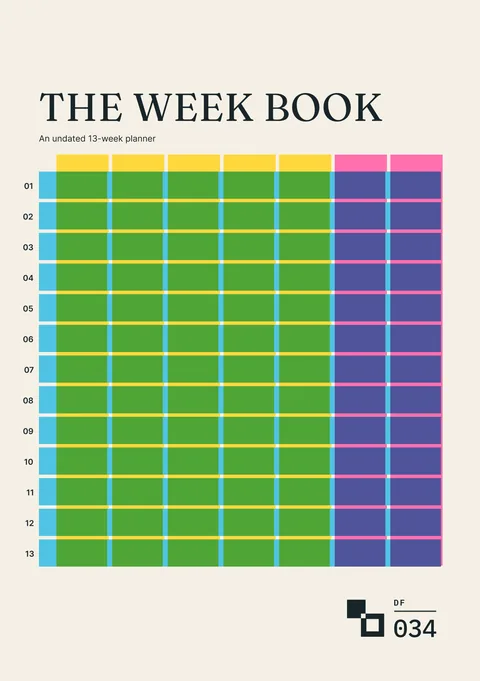
The Week Book
An undated thirteen-week planner for commitments, available time, chosen work and what changed.
For planning the weeks ahead on paper
Request a tool or send feedback
Request a tool or report a problem
Tell us what you would like to add, change or fix in the Timesheet builder.